
Post processing for Godot
Bloom, lens flares, depth of field, outlines, colour grading, CRT, VHS and PSX effects for Godot, in one node. Press Quick Look, then pick from 49 finished looks.
Godot gives you good lighting and a basic glow and blur after it. Magnum PostFX adds everything that comes after the lighting.
Add a MagnumPostRig node to a 3D scene, press Quick Look, and browse finished looks with thumbnails rendered on your own scene. Stack presets over a look, change any setting on top, and fade or crossfade it all from code.
One node, finished looks
Filmic, Noir, Horror, Toon Ink, Night Vision, Synthwave, VHS, arcade CRT, PSX and more.
Layered, not locked
Stack presets over any look at any amount, blend looks by camera position, and override any setting.
Light on the GPU
The Essentials look takes 0.21 ms of GPU time at 1080p. Features you switch off are compiled out.
Three editions
Pick the edition for your game
Start free with Lite, go retro with CRT, VHS and PSX, or get the whole look stack with Pro.
The complete look stack
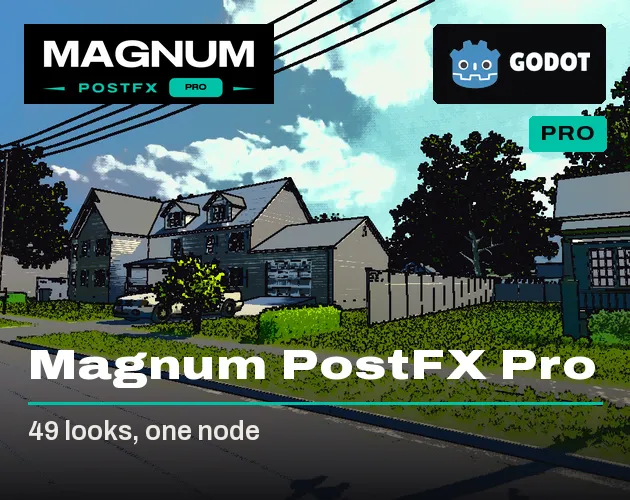
Magnum PostFX Pro
Everything: bloom, lens flares, depth of field, outlines, CRT screens, 49 looks and 12 gameplay pulses.
$12.99More
CRT, VHS, film and PSX
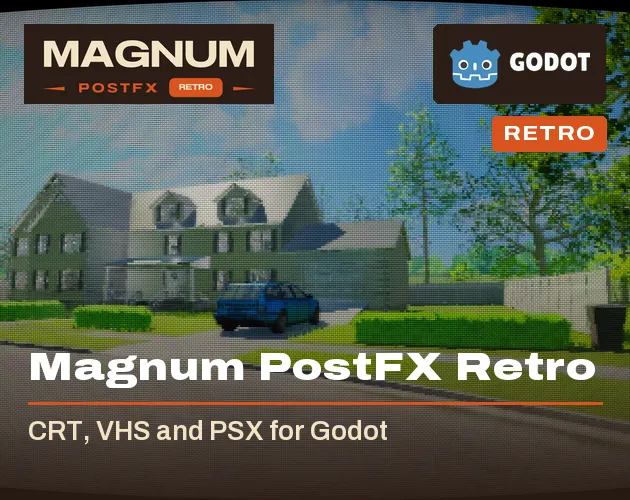
Magnum PostFX Retro
Old screens, tapes and renderers: VHS, arcade CRT, terminals, film and five PSX looks. 25 looks.
$6.99More
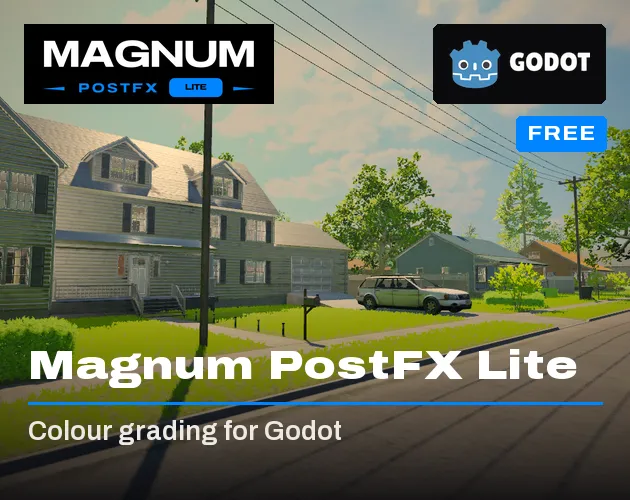
Free colour grading
Magnum PostFX Lite
A proper tonemap, a full colour grade with LUTs, vignette, grain and seven looks, in every renderer.
FreeMore
The complete look stack · $12.99
Godot gives you good lighting and a basic glow and blur after it, but no lens flares, no outlines, no film grain and no CRT screens. Pro adds all of it as one node, with its own bloom and depth of field.
What it does
- Ten modules after the lighting: Look, Light, Clarity, Lens, Focus, Distort, Stylize, Mood, Retro and Atmosphere, each with its own switch
- Exposure, tonemappers and a full colour grade with curves and LUTs
- Bloom, anamorphic streaks, lens flares from any light and lens dirt
- Depth of field with bokeh and autofocus
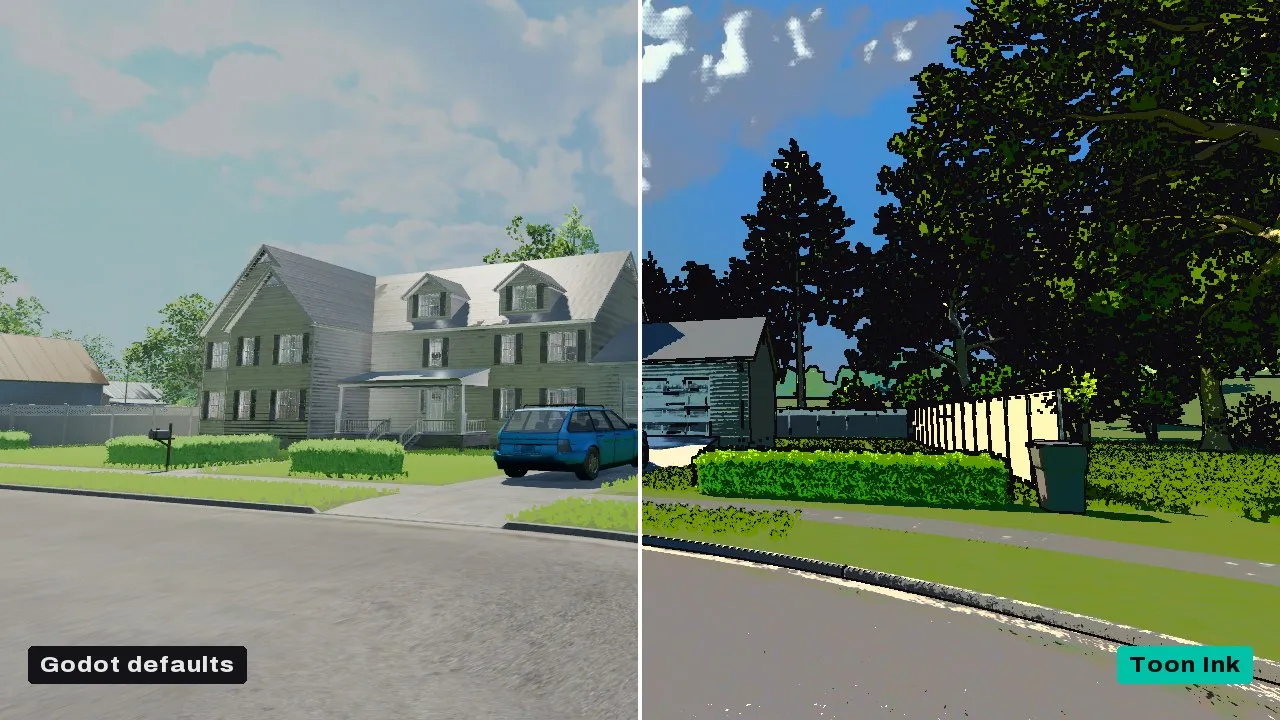
- Outlines, posterise, halftone, pixel and palette, painterly
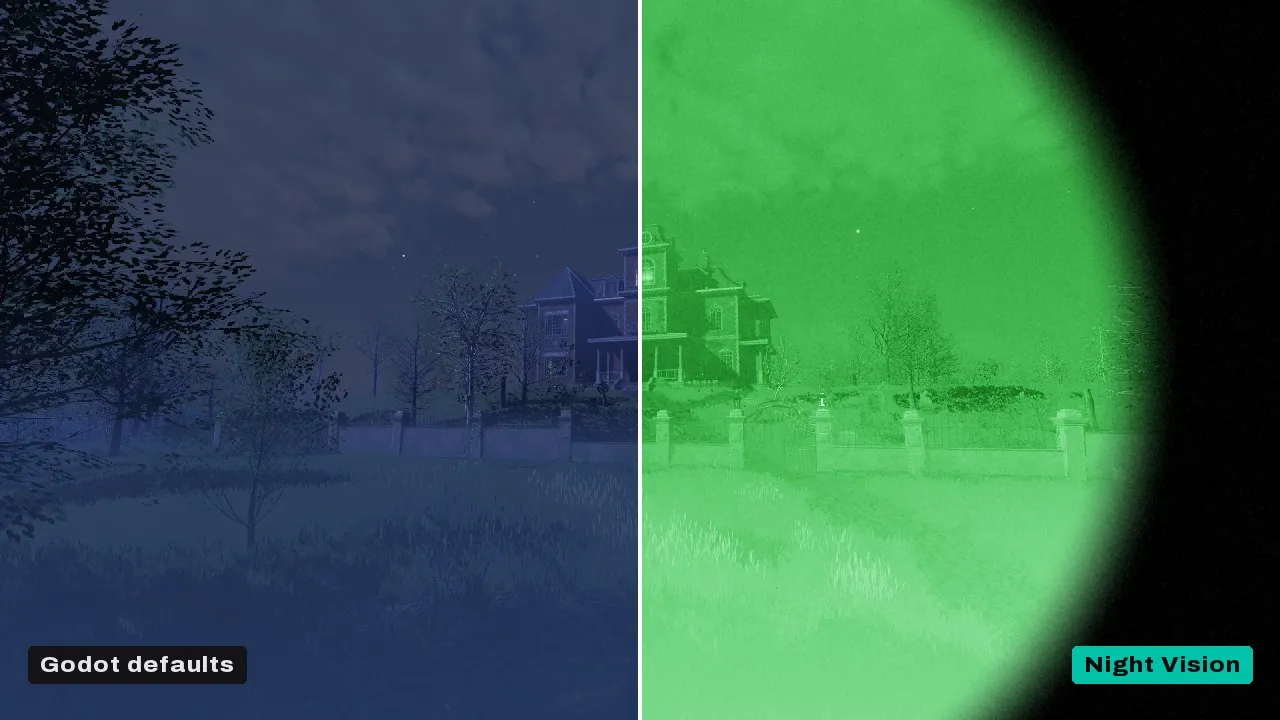
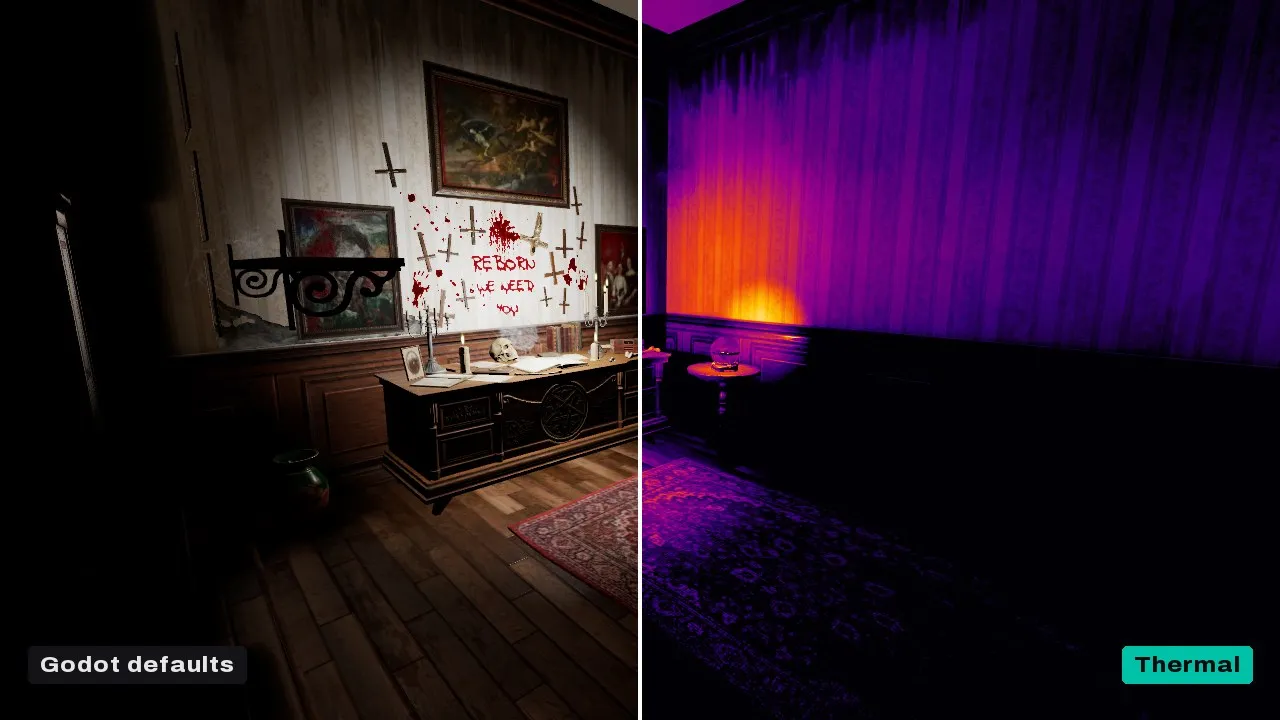
- Heat haze, ripple, shockwaves, night and thermal vision
- CRT, VHS, film and five PSX looks with PS1-style materials
- 62 presets to stack over any look, and volumes that blend looks by camera position
- 12 pulses fired from code: Hit, Heal, Low Health, Poison, Flashbang, Freeze, Level Up and more
- Features you switch off are compiled out
In motion

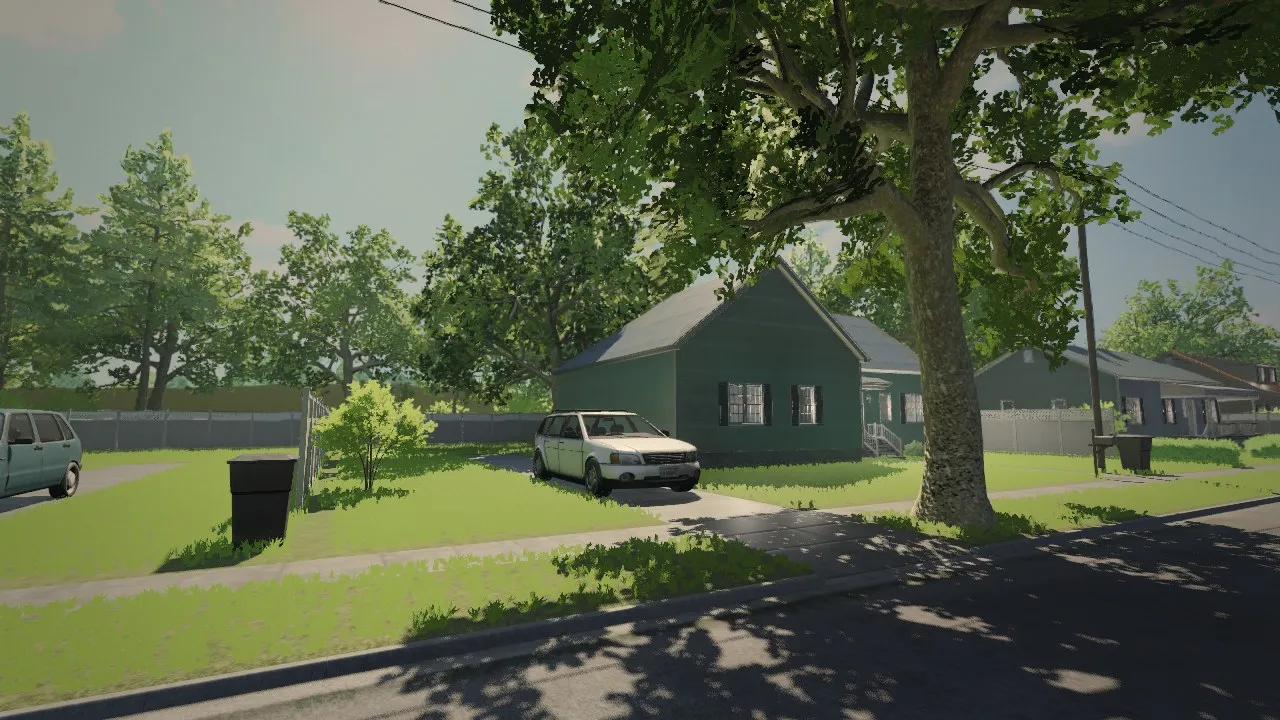
Looks
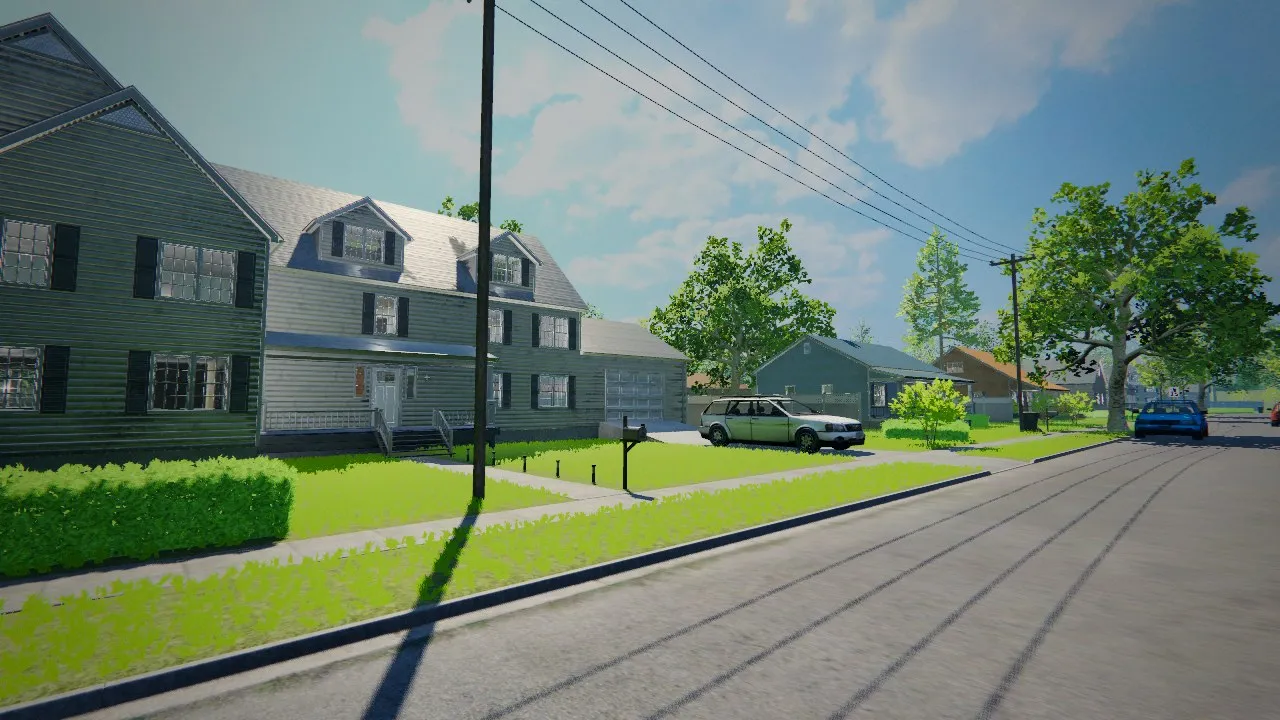
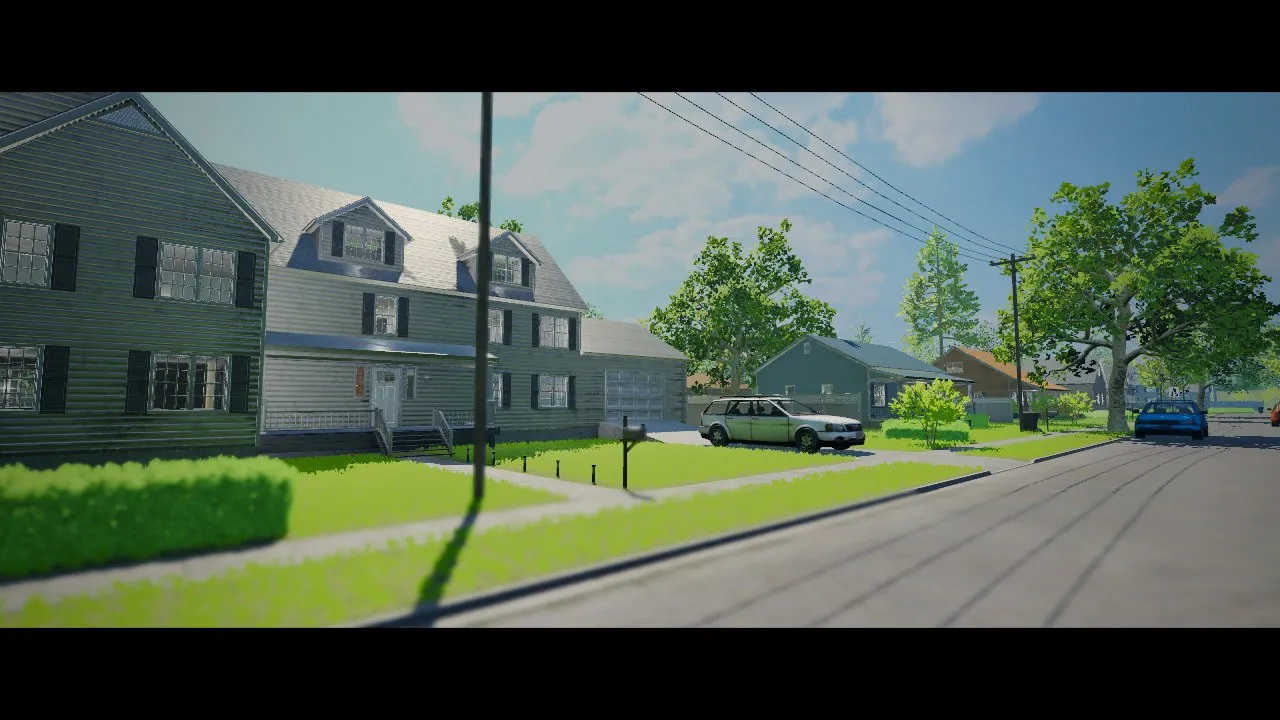
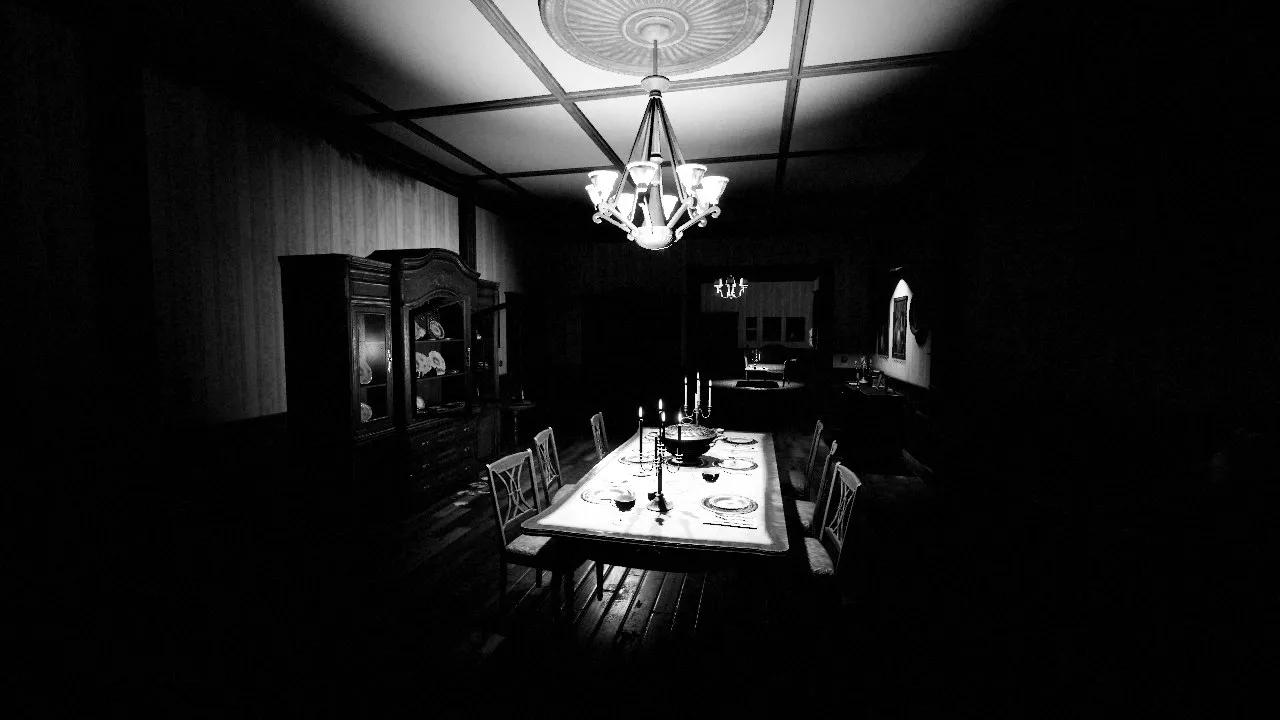
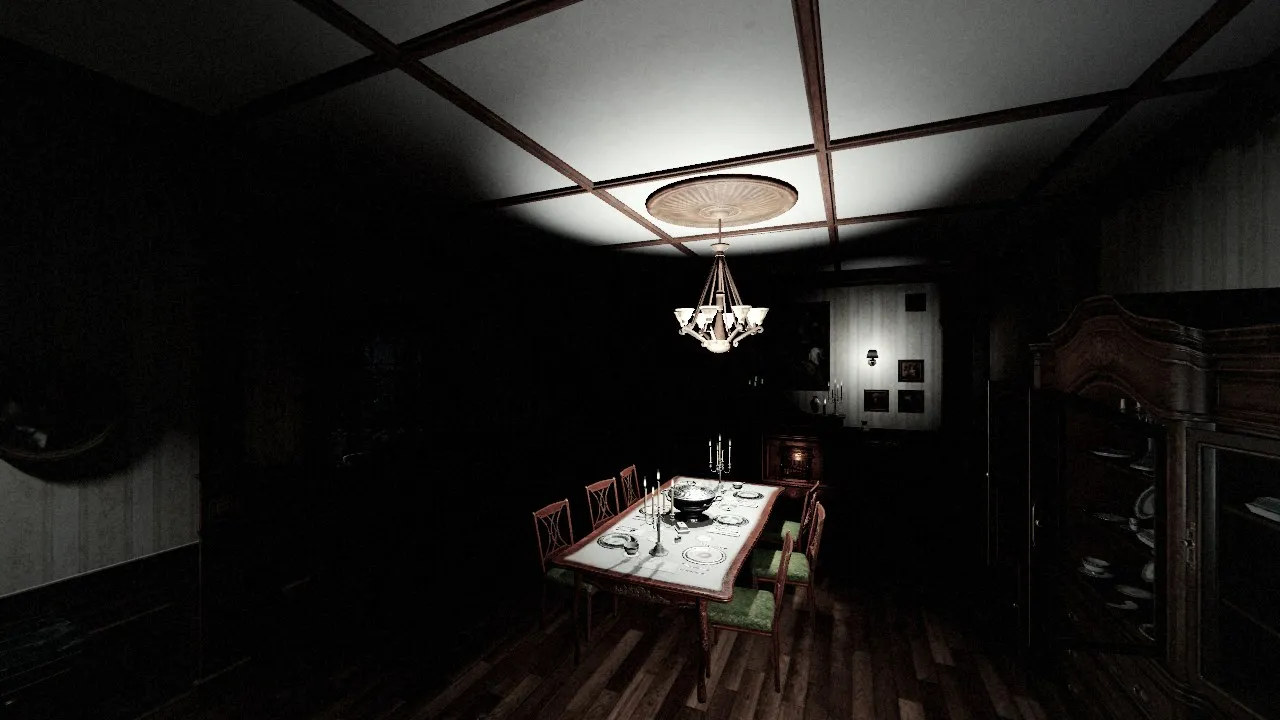
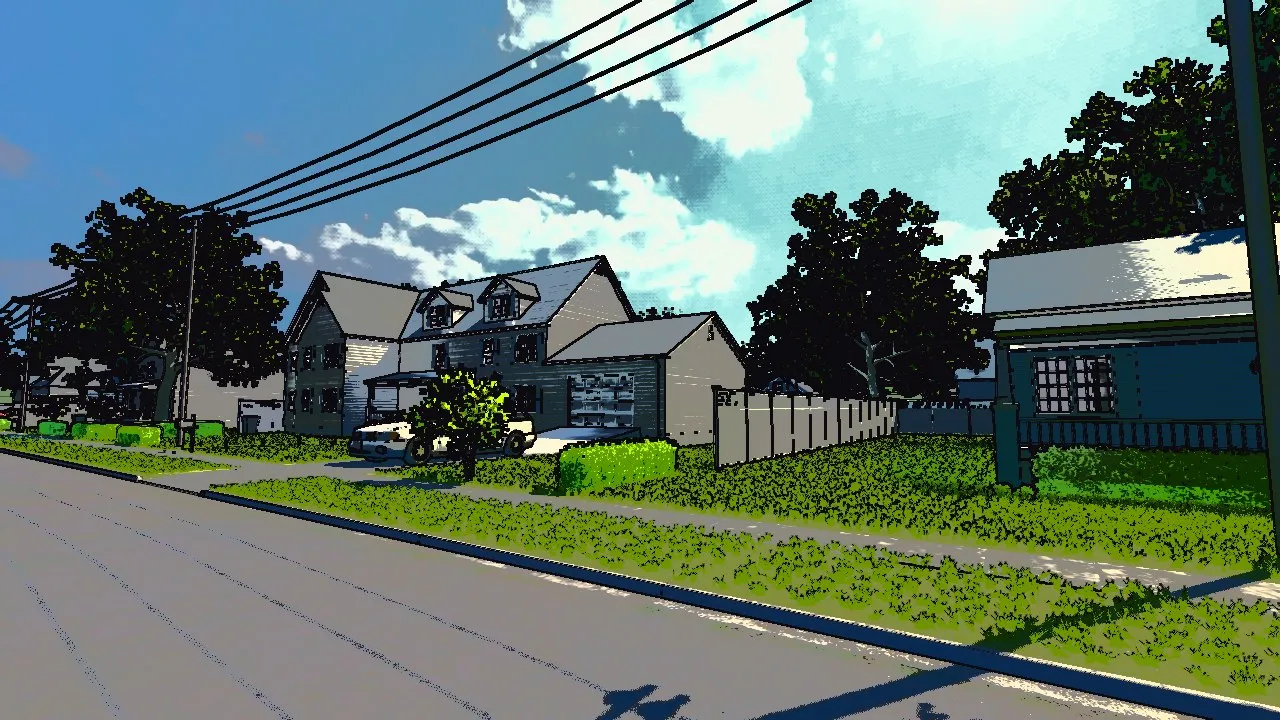
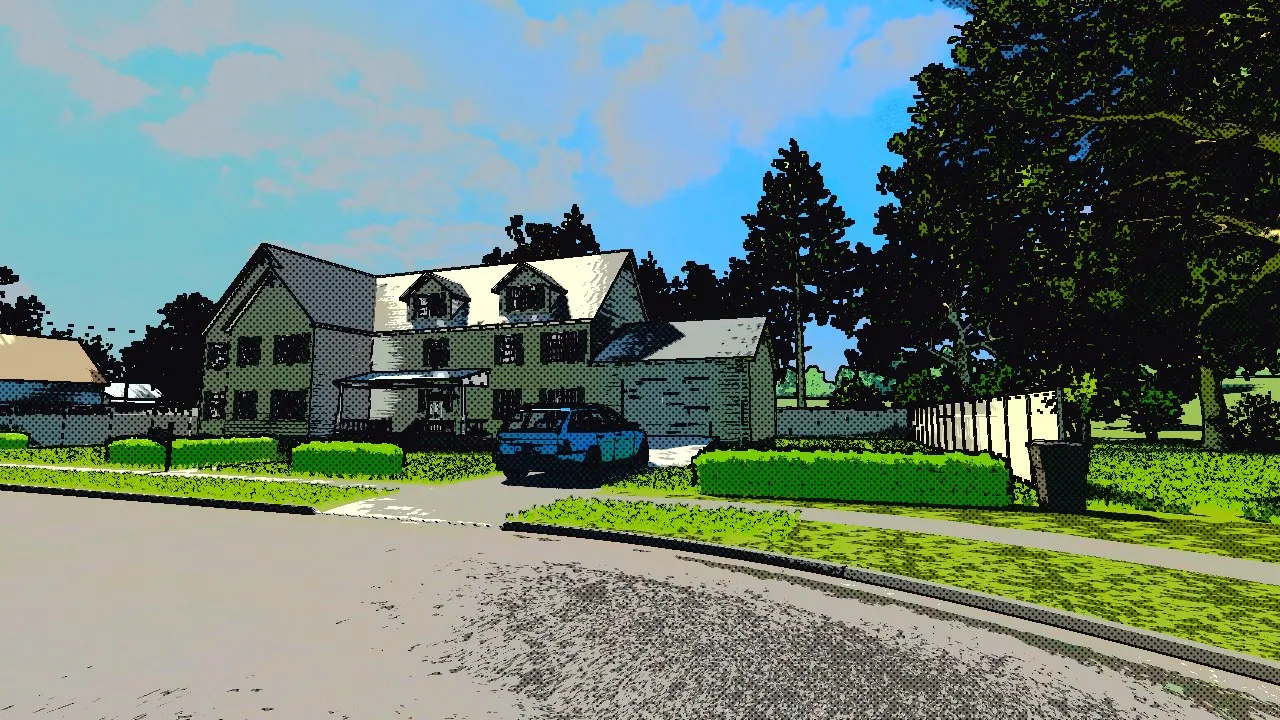

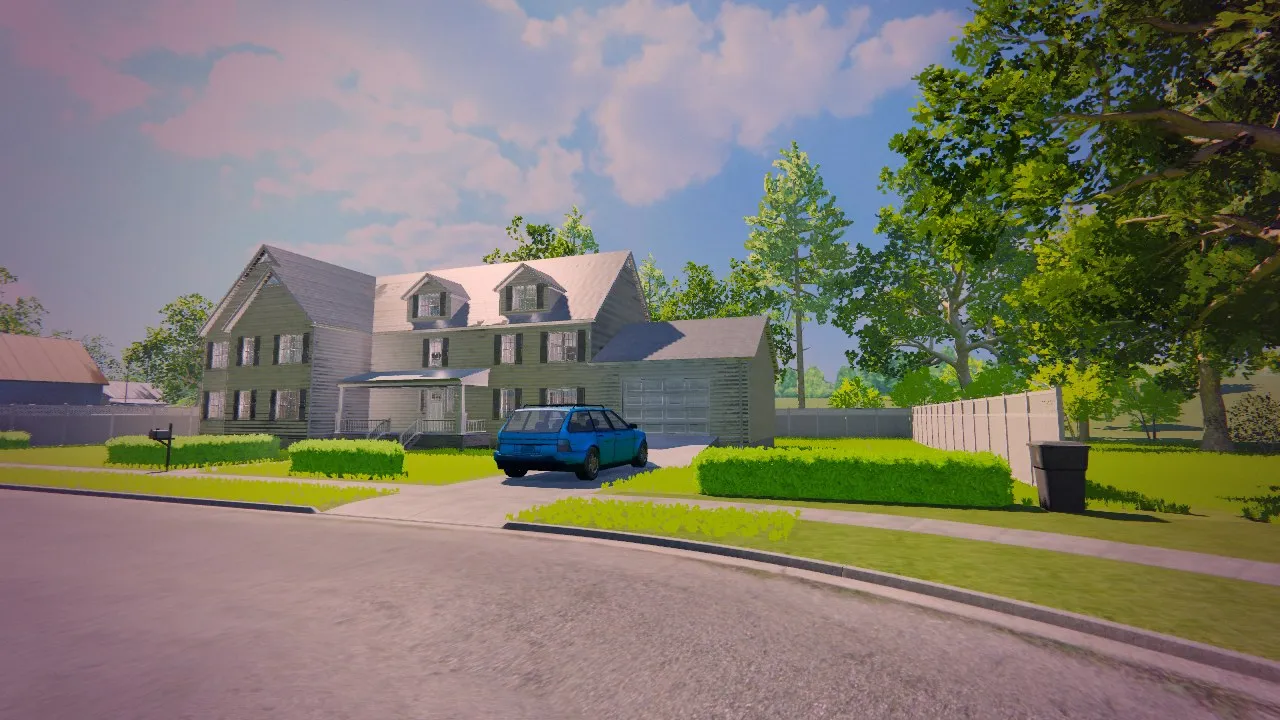
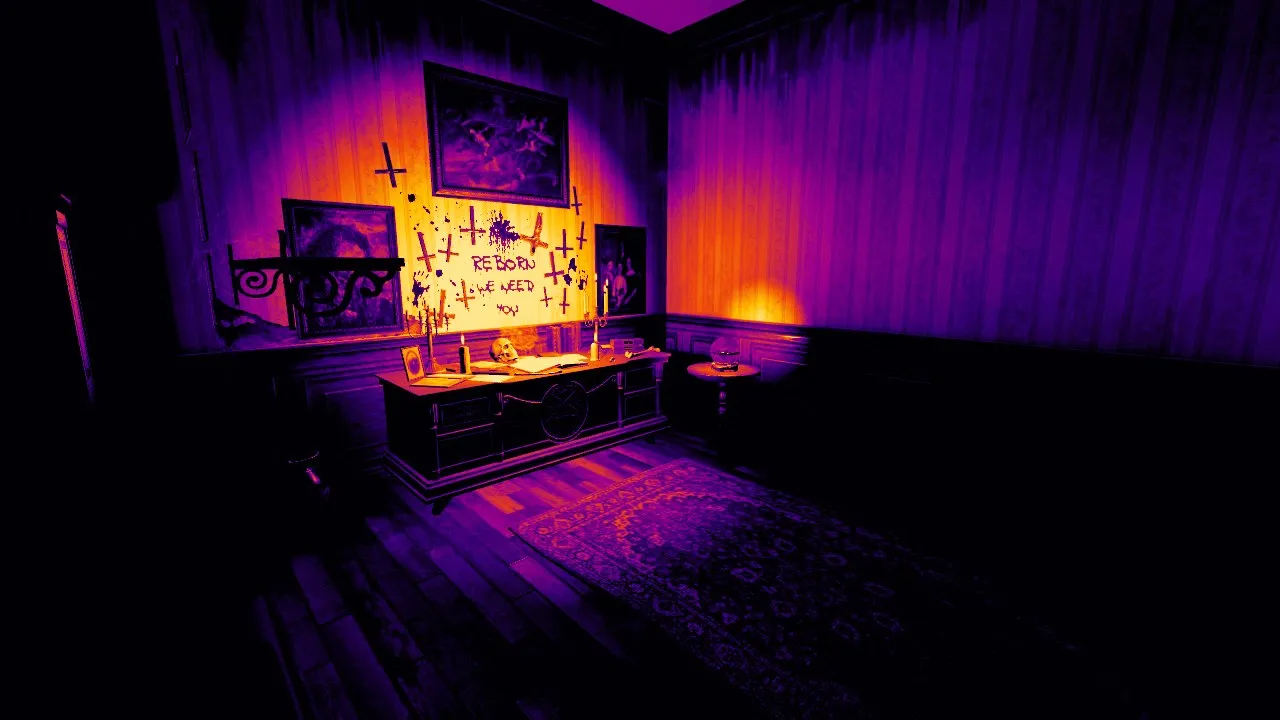

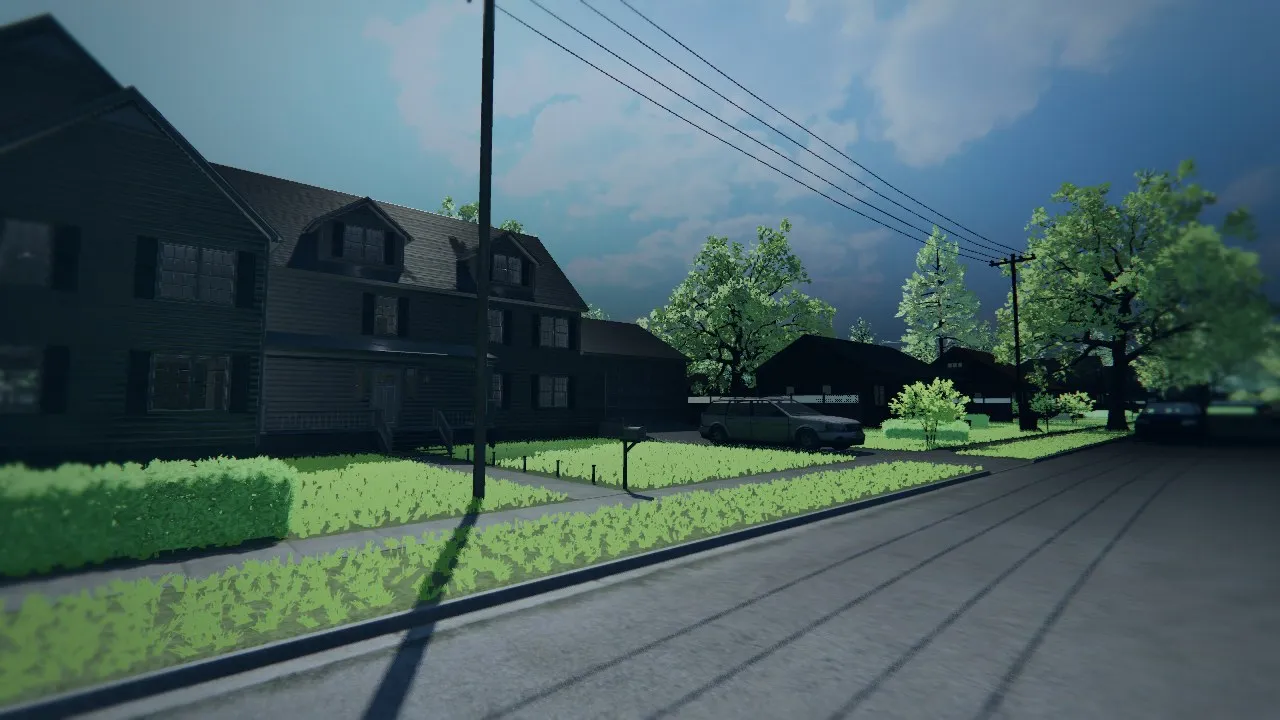
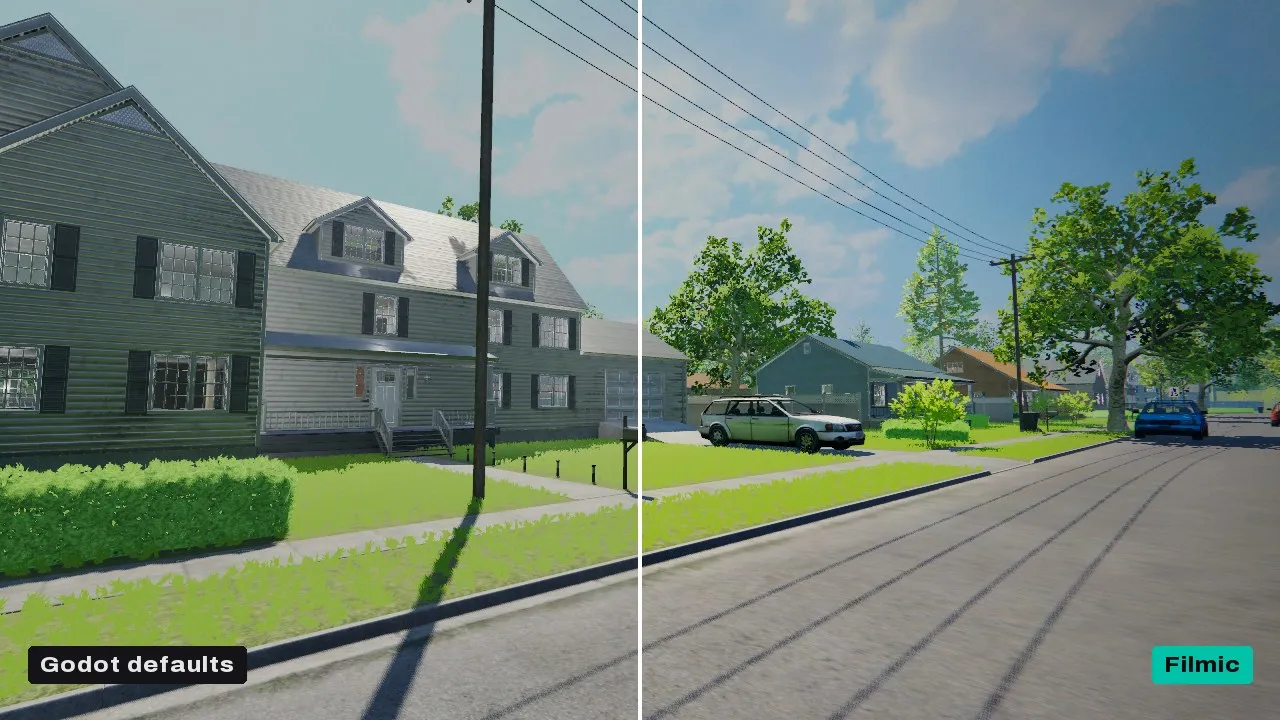
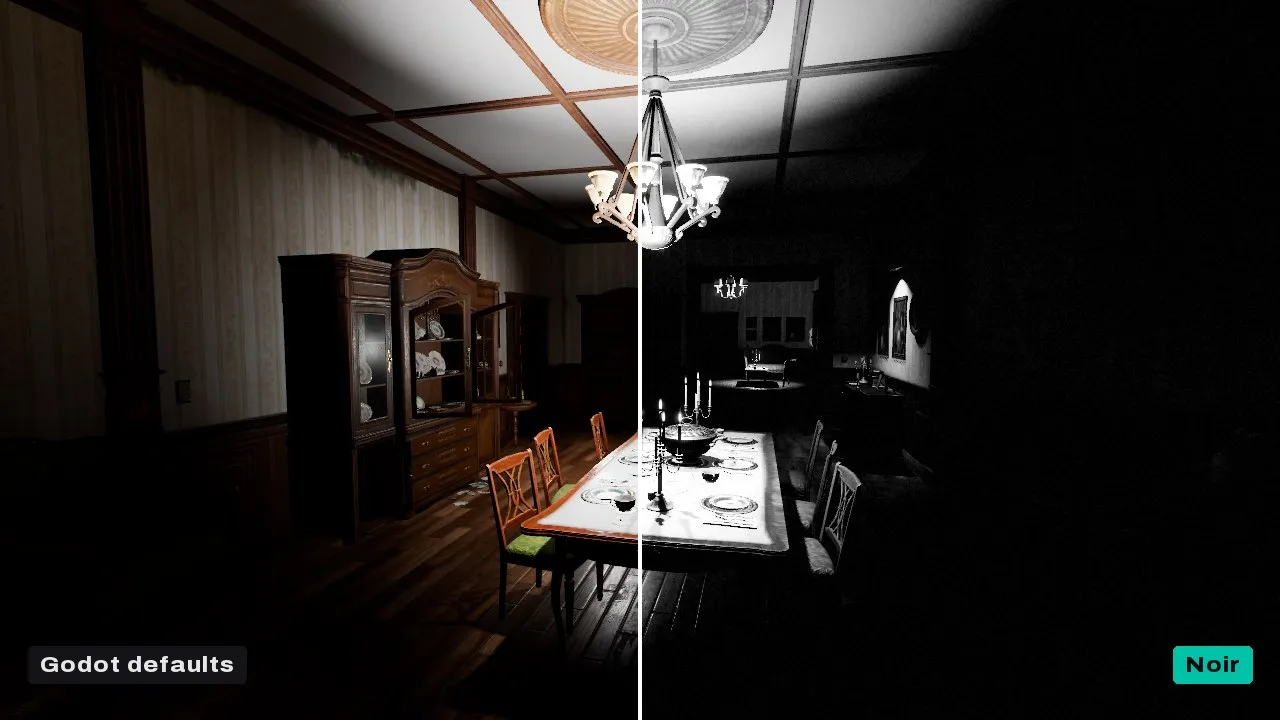
Before and after
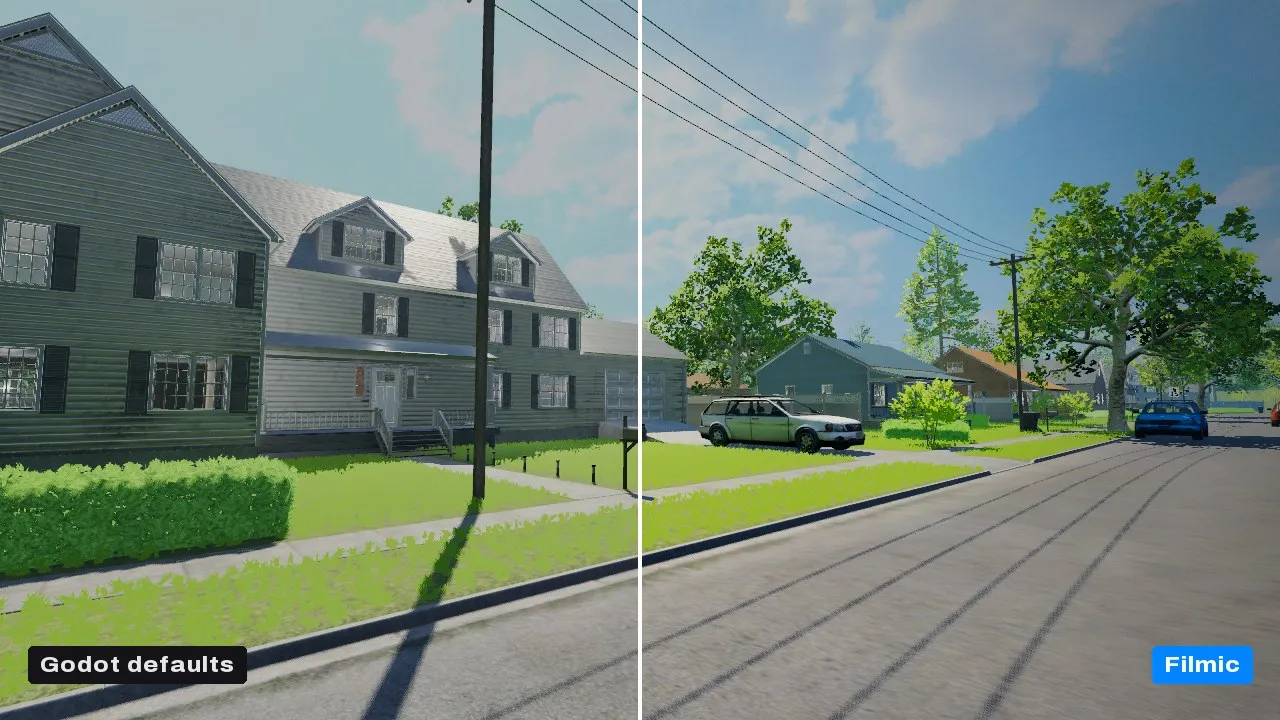
Godot's default rendering on the left, the look on the right.

CRT, VHS, film and PSX · $6.99
The look of older hardware, done thoroughly: how old screens, tapes and film showed a picture, and how old consoles and PCs drew it. A rented VHS on a home TV, an arcade cabinet, a security feed breaking up, a PS1’s wobbling vertices and warping textures.
What it does
- Signal: NTSC, PAL or VHS colour with chroma blur, ringing, rainbow fringes and dot crawl
- Tape: jitter, wobble, tracking band, head-switch tear and dropouts
- Film: gate weave, flicker, scratches and dust at its own frame rate
- Screen: curved glass, overscan, glow and mono phosphor, with scanlines and aperture grille, slot or shadow masks
- Resolution: fewer lines, fewer colour levels and ordered dither
- PSX materials: one call gives your scene’s own materials snapped vertices, warping textures and per-vertex light
- 41 layer presets and five pulses: Freeze, Glitch, Heal, Level Up and Low Health
- Forward+, Mobile and Compatibility, so web exports get it too
In motion


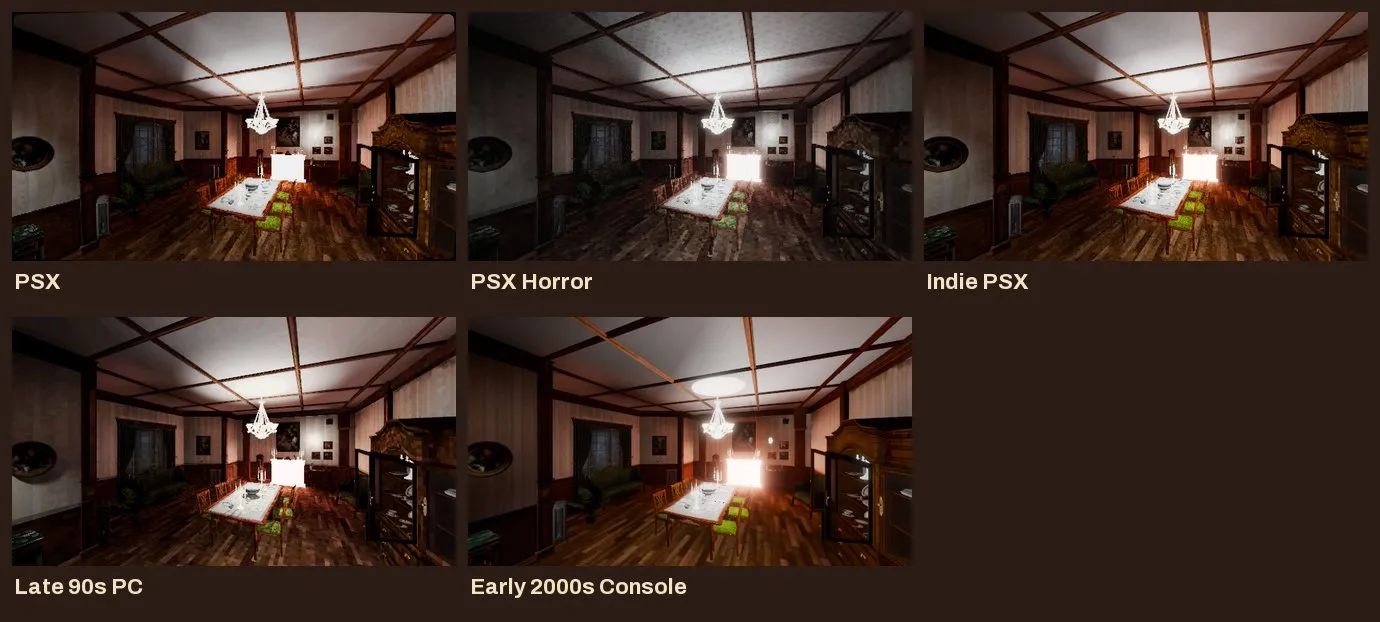
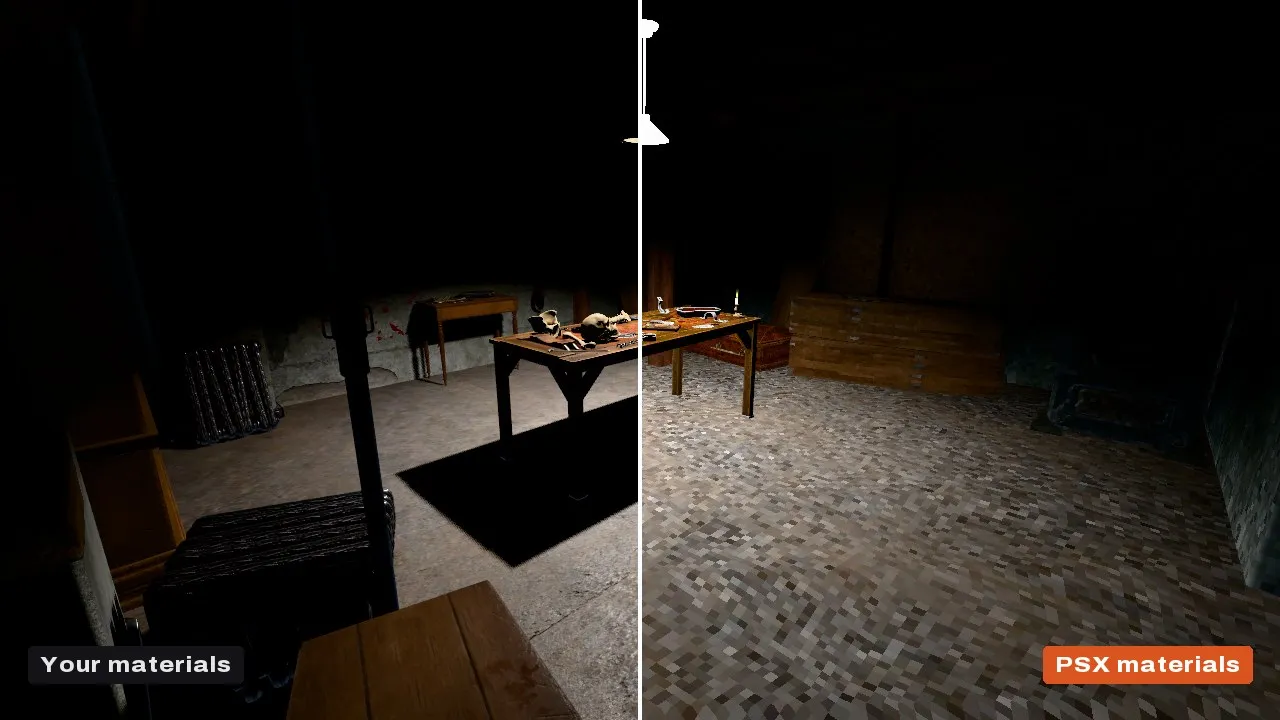
Looks

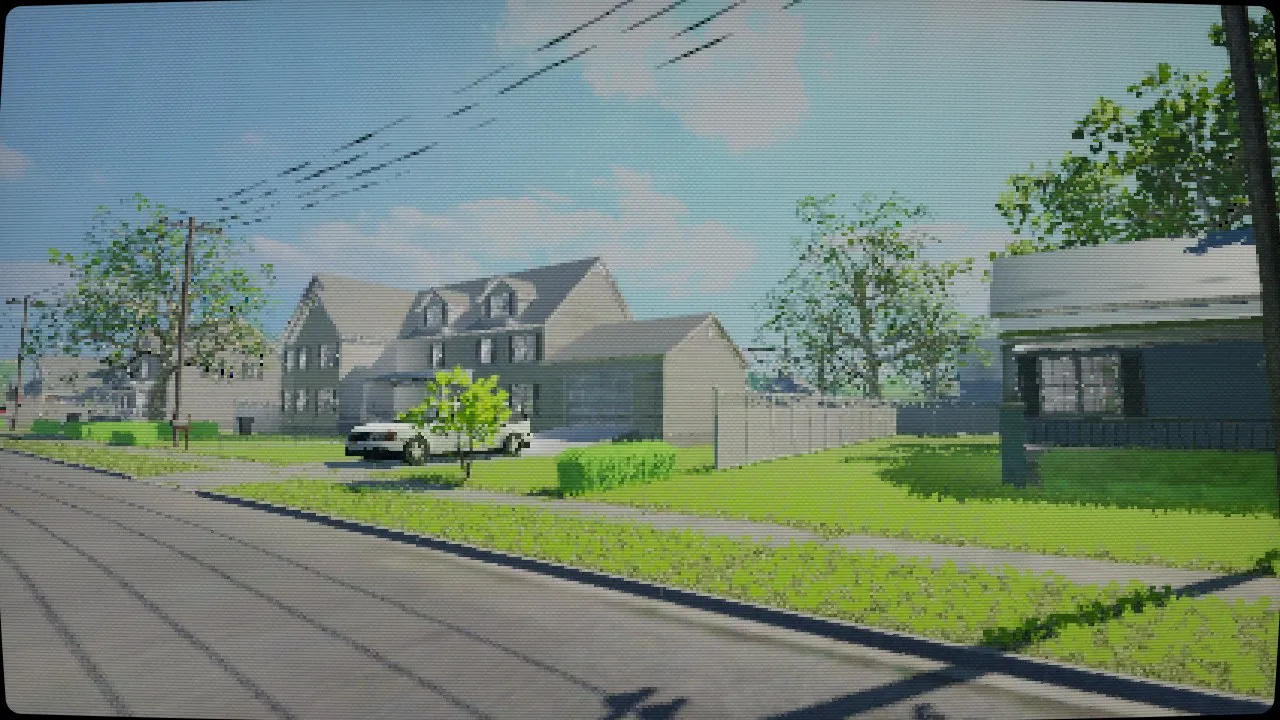
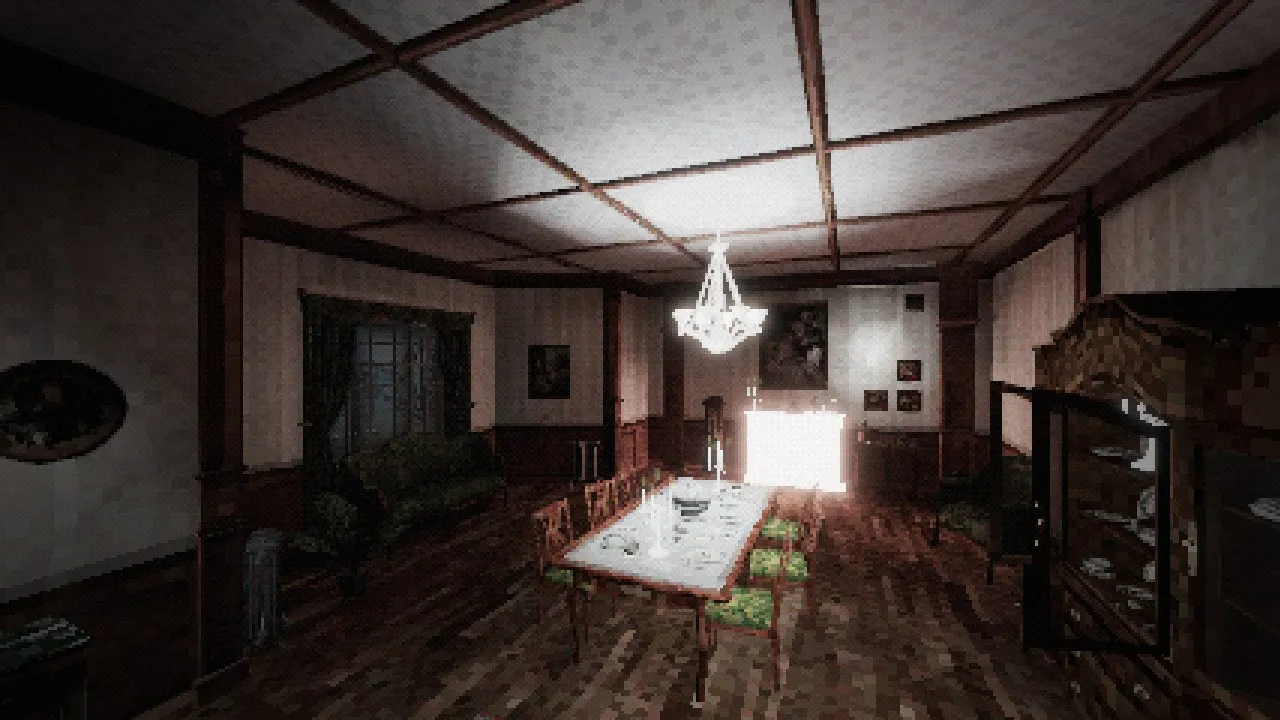
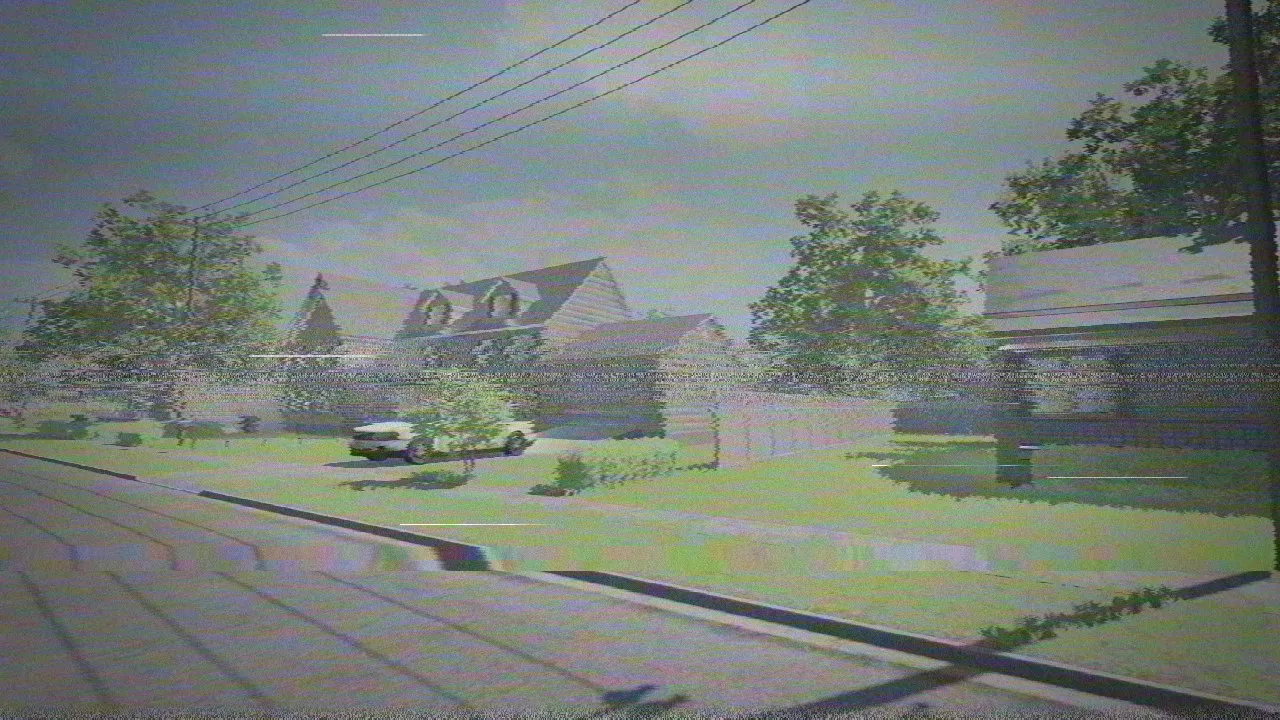


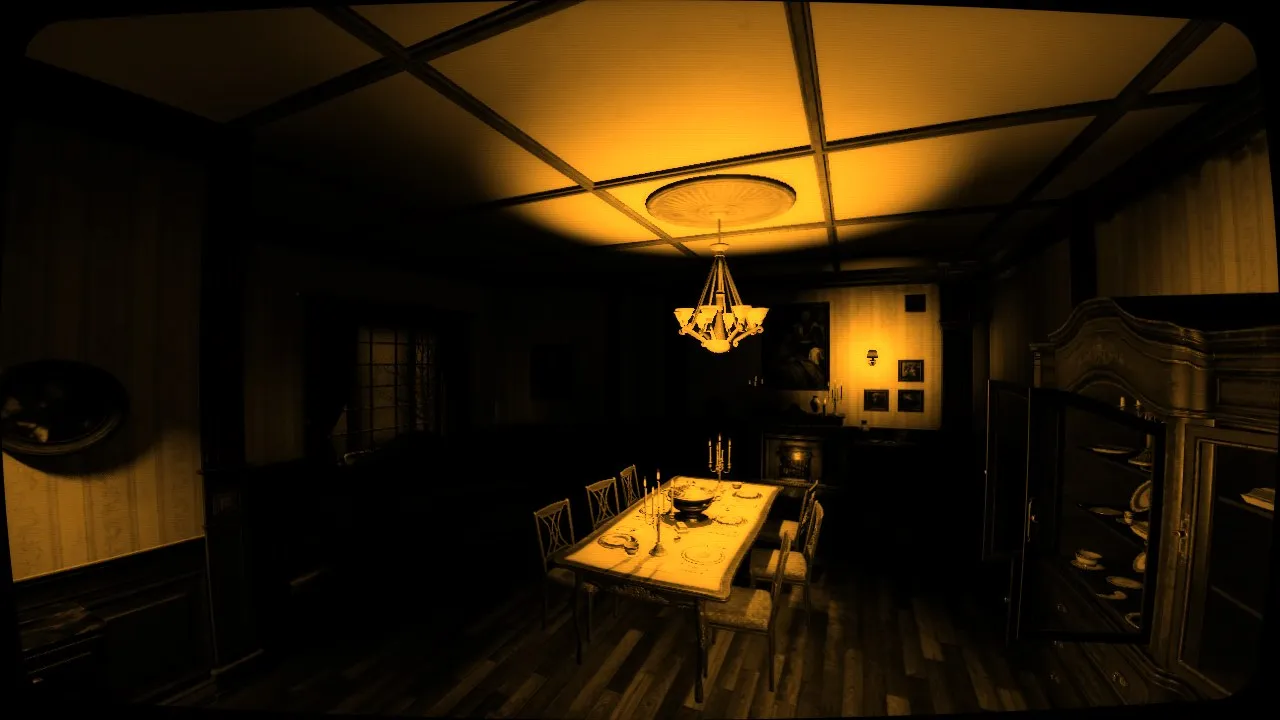
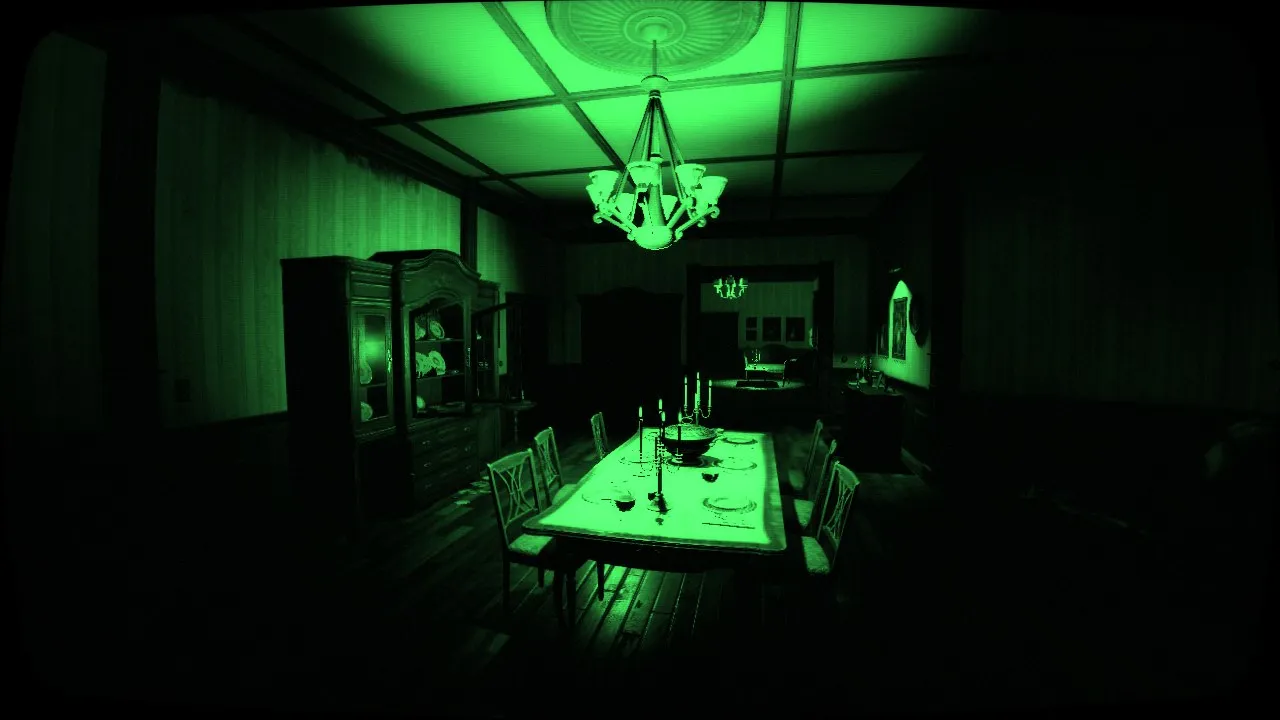

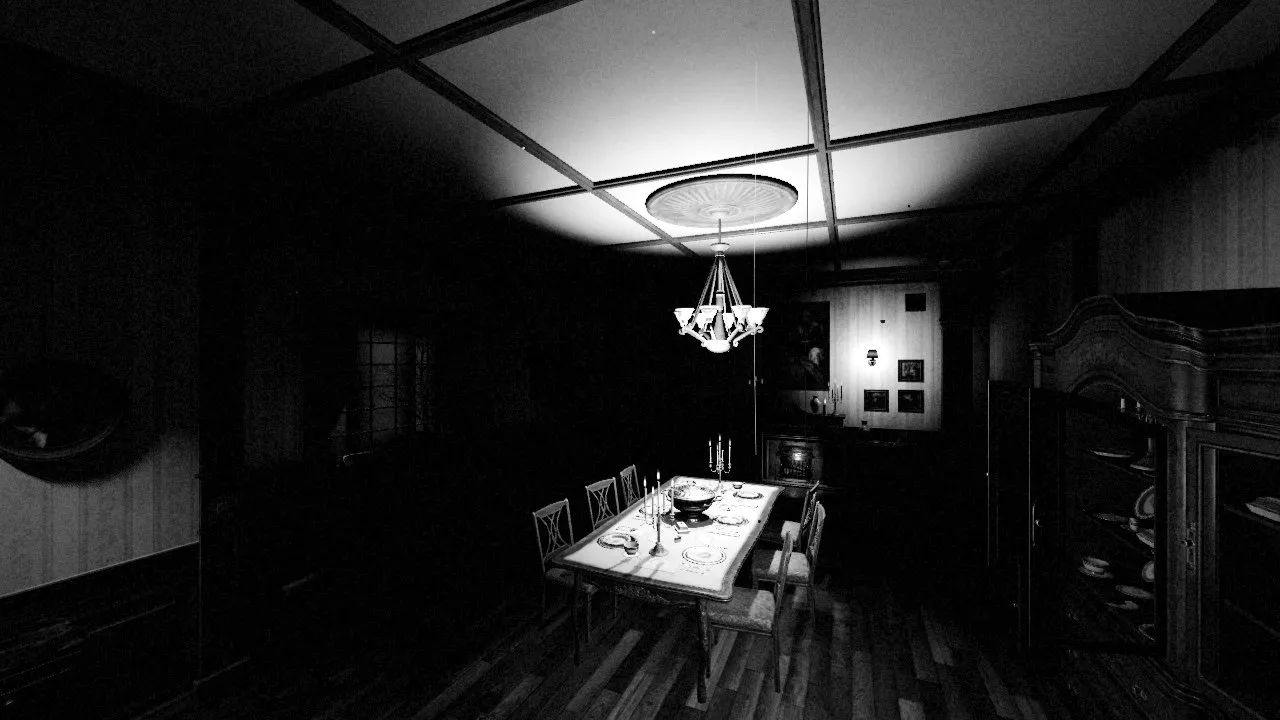

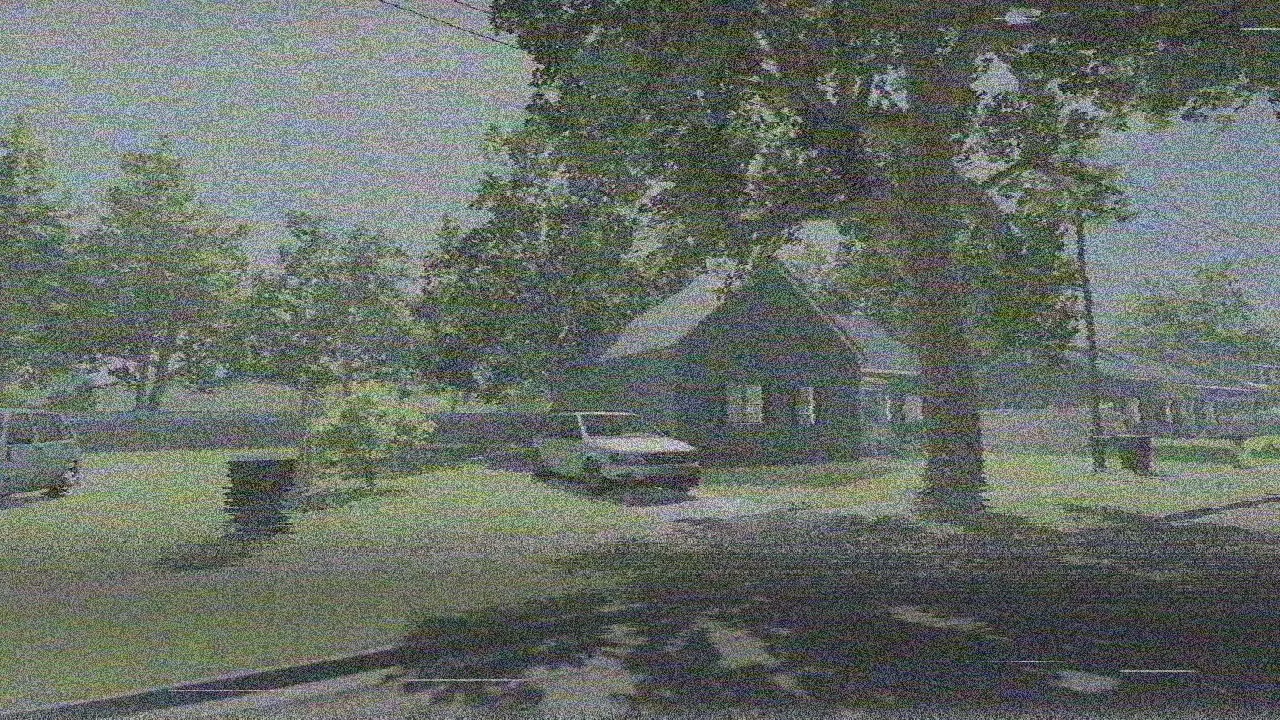
Before and after
Godot's default rendering on the left, the look on the right.
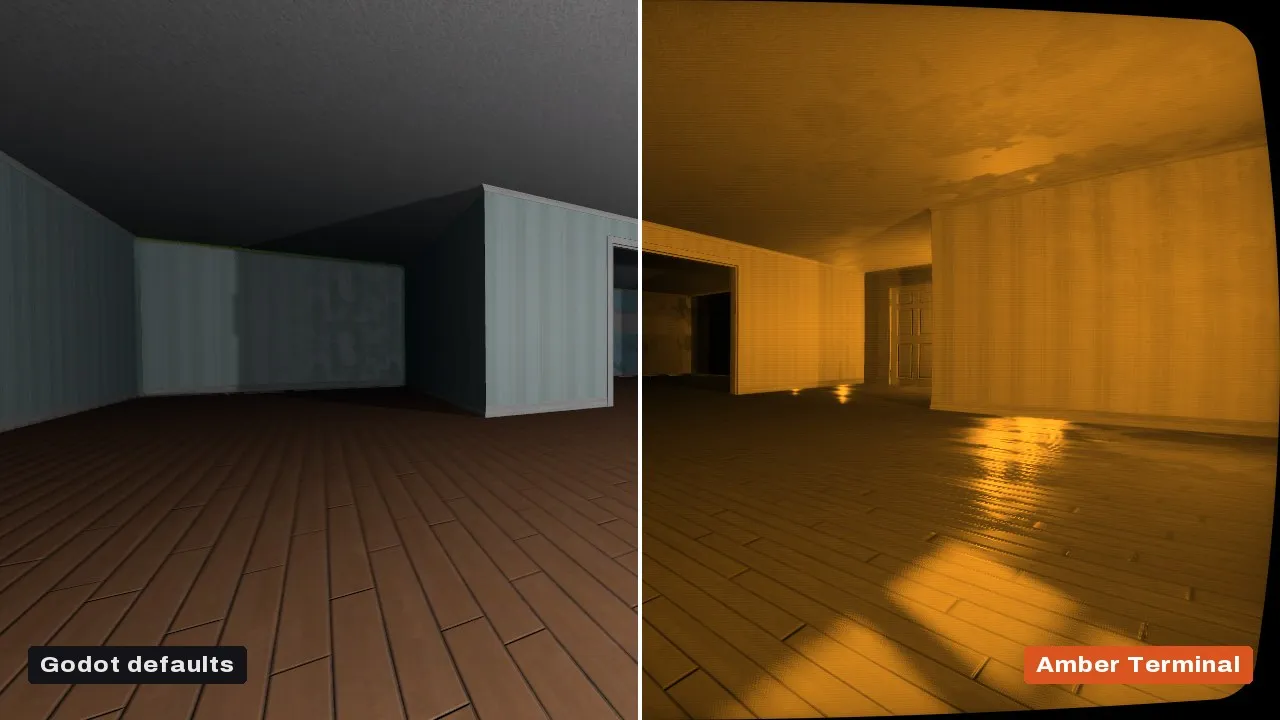


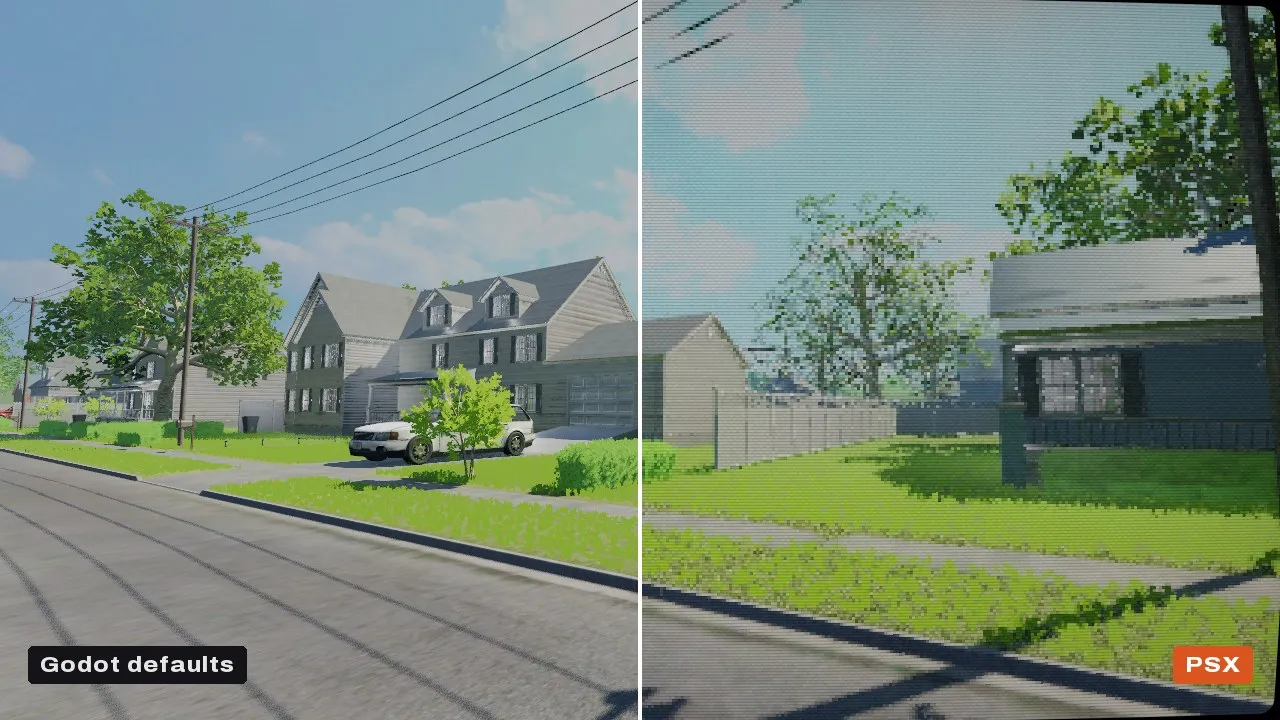
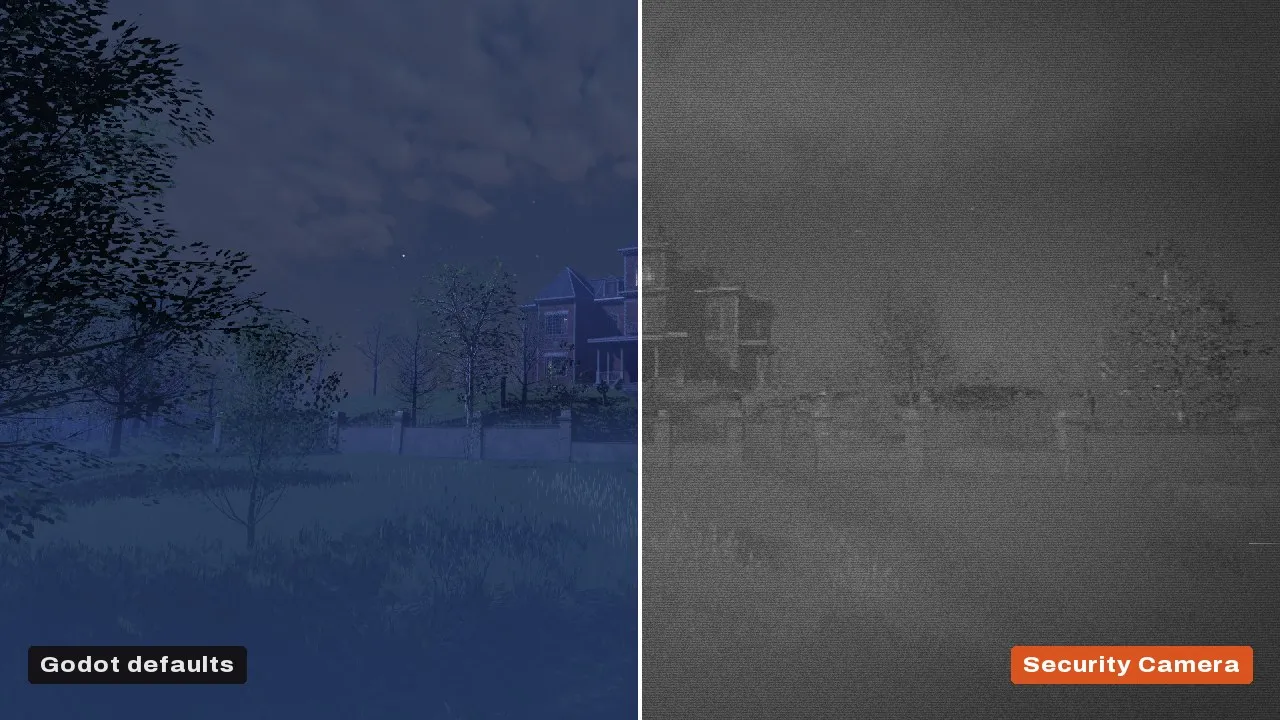

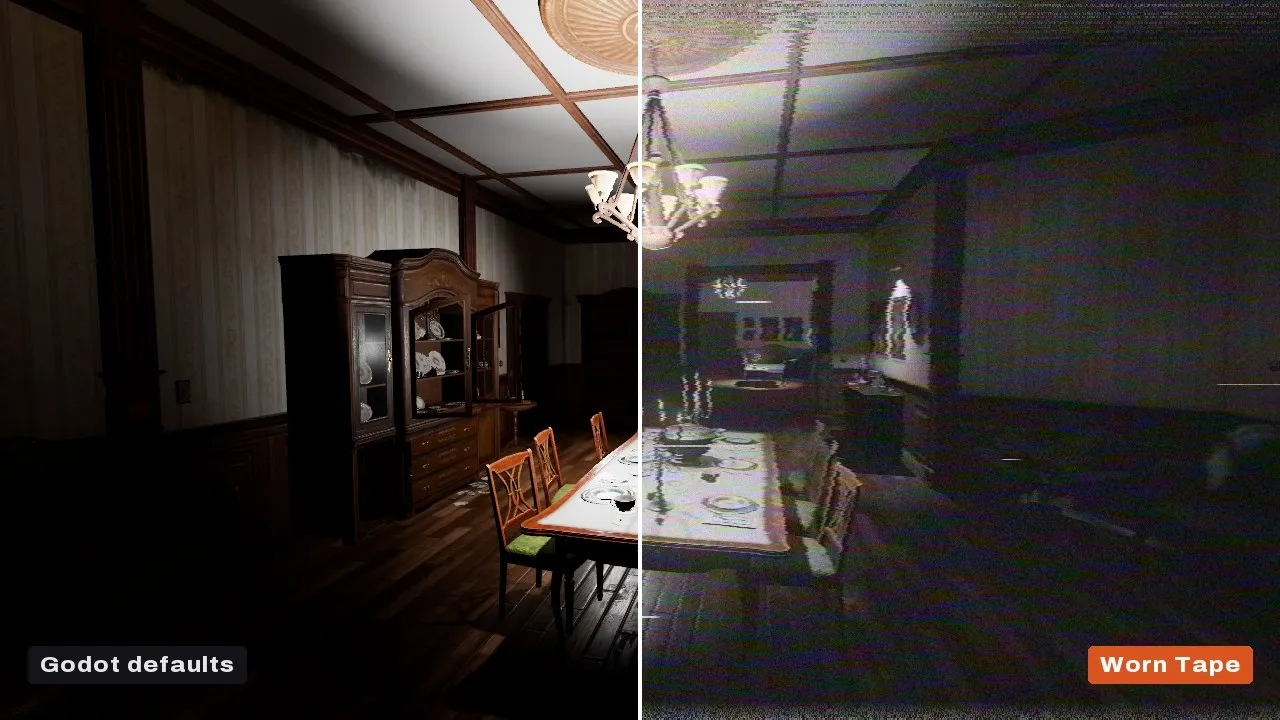
Free colour grading · Free
Add one node, press Quick Look, and your 3D scene gets a proper tonemap, a real colour grade, a soft vignette, fine grain and dither against banding. Pay nothing, or leave a tip if it saves you time.
What it does
- AgX, Neutral, ACES and Filmic tonemappers, with manual exposure in EV
- Colour grade: temperature and tint, lift, gamma and gain, contrast, saturation, split toning, a channel mixer and curves
- LUTs: import a .cube file, or export your grade as a LUT
- Vignette, film grain and dither
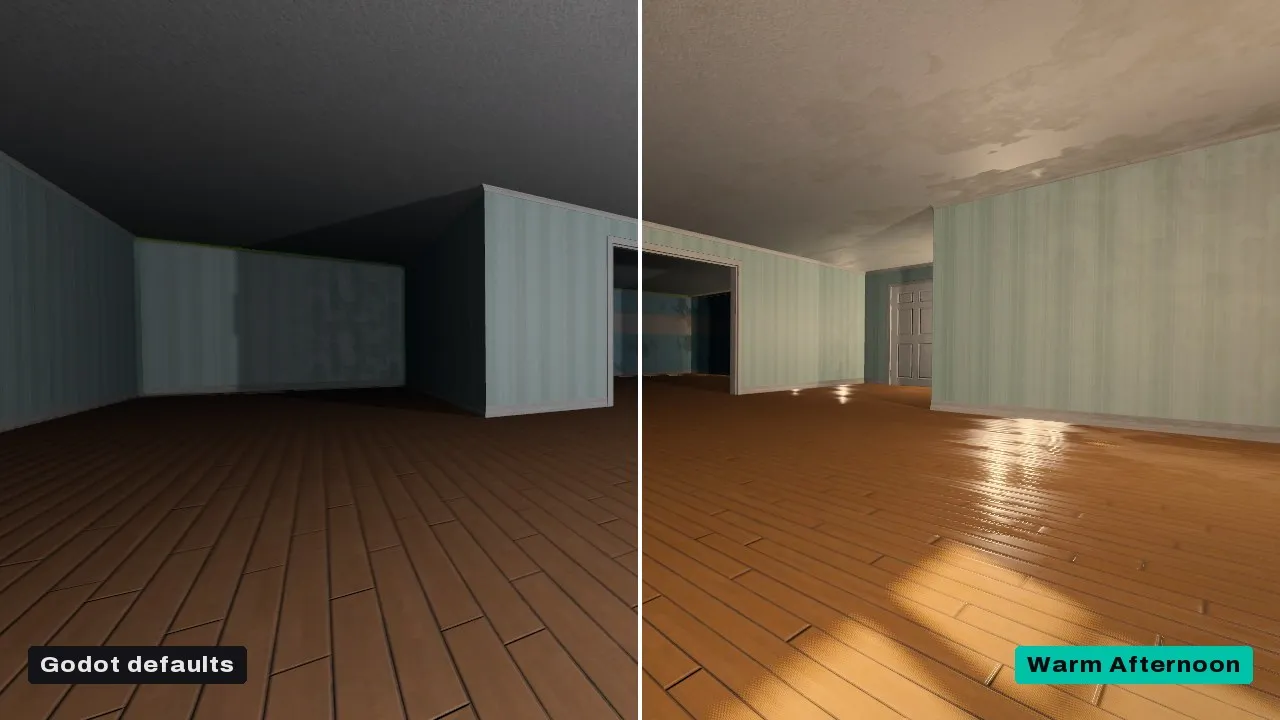
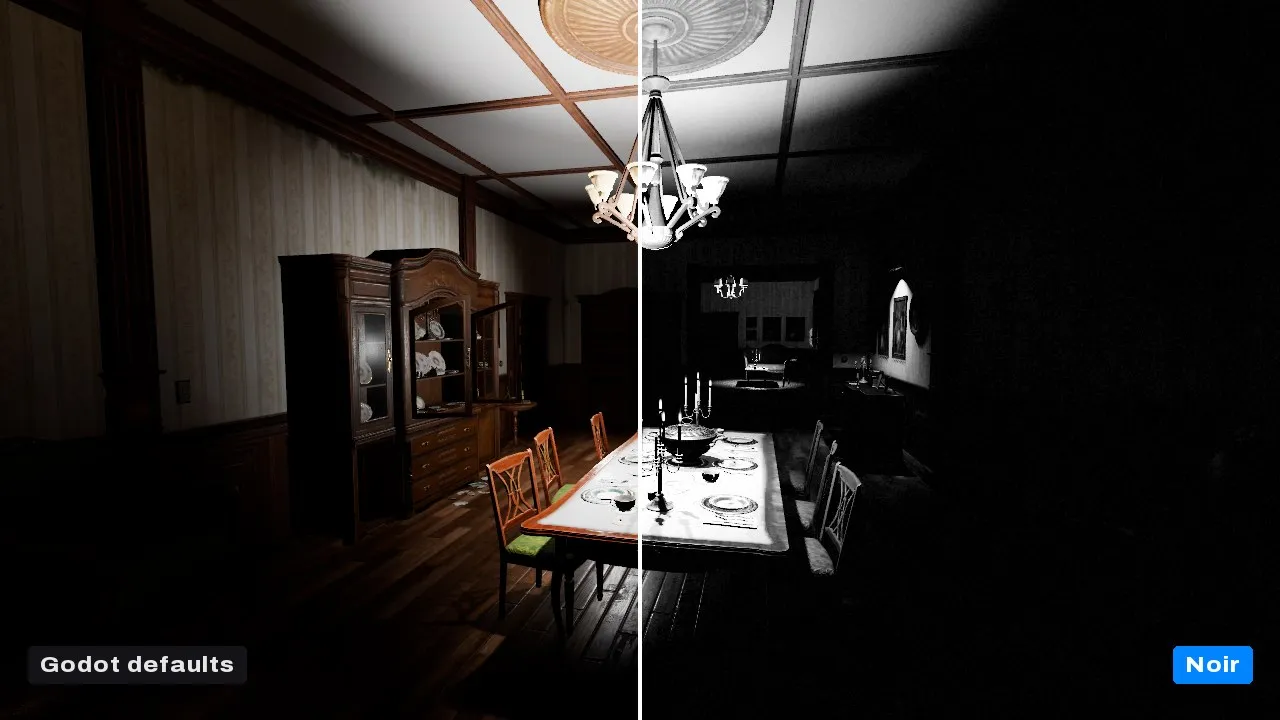
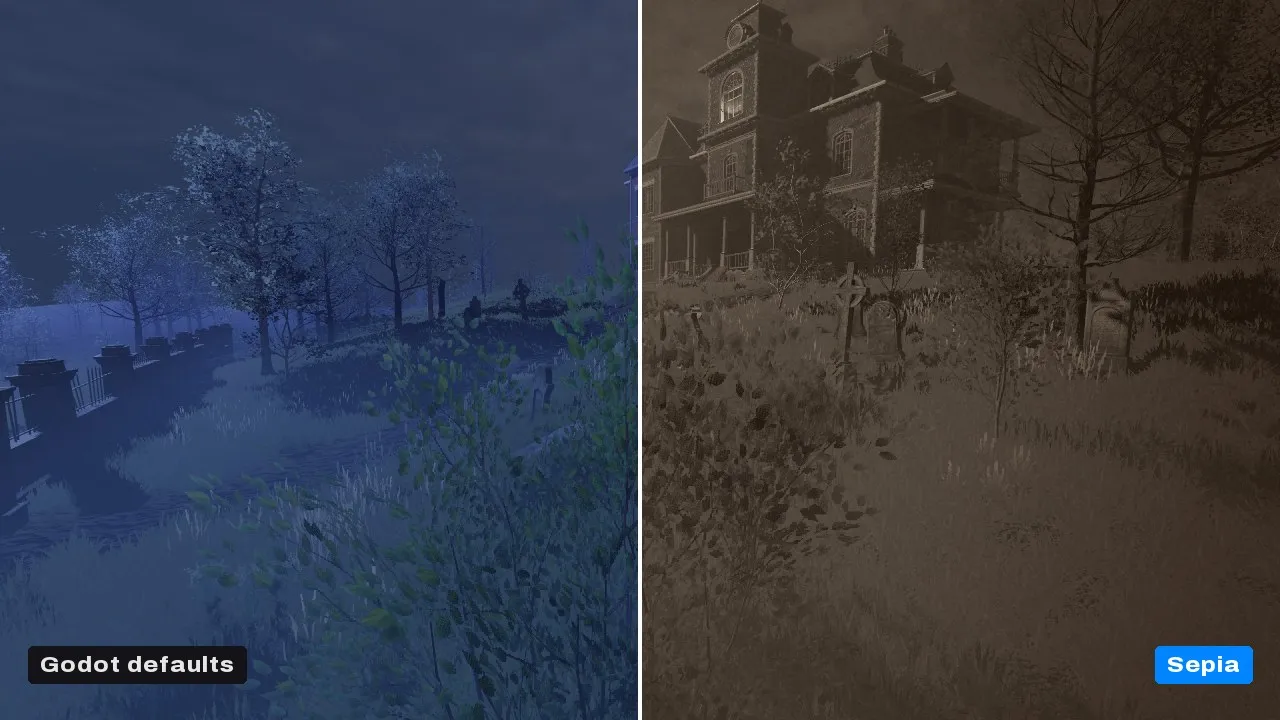
- Seven looks: Natural, Clean, Filmic, Warm Afternoon, Noir, Sepia and Winter
- A strength slider, a compare split and transitions between looks
- Forward+, Mobile and Compatibility, so web exports get all of it
In motion

Looks

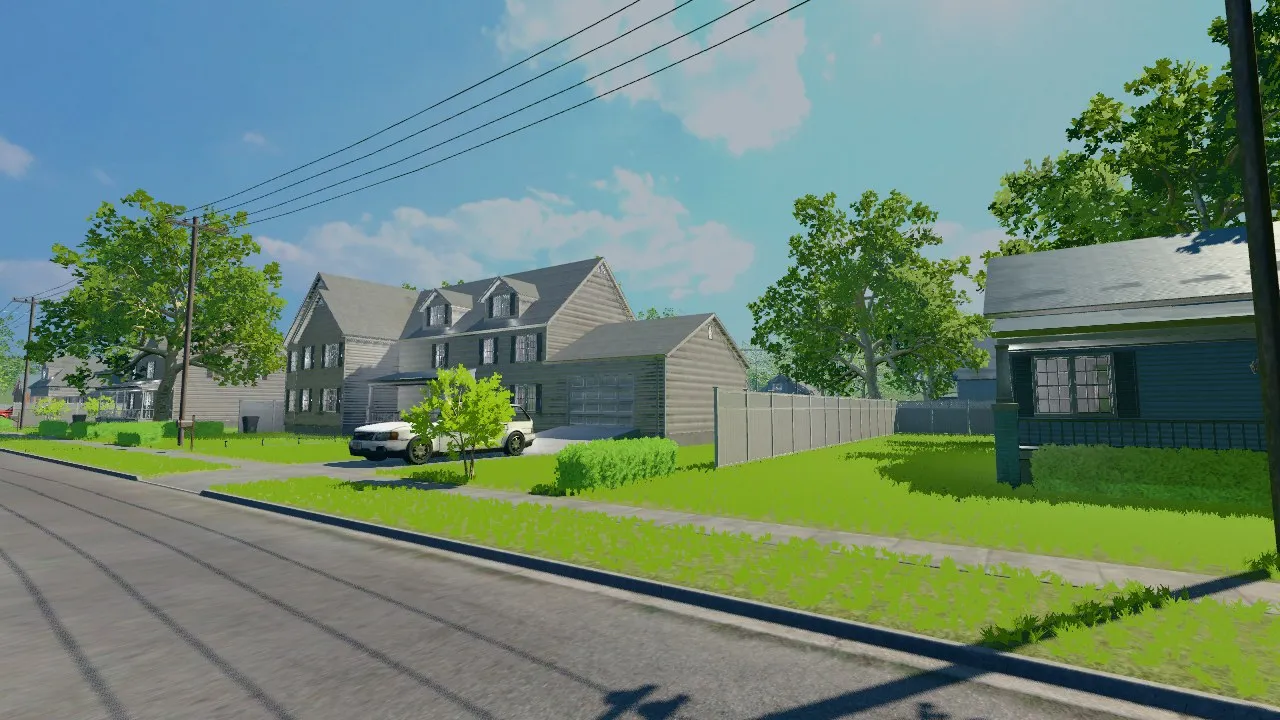

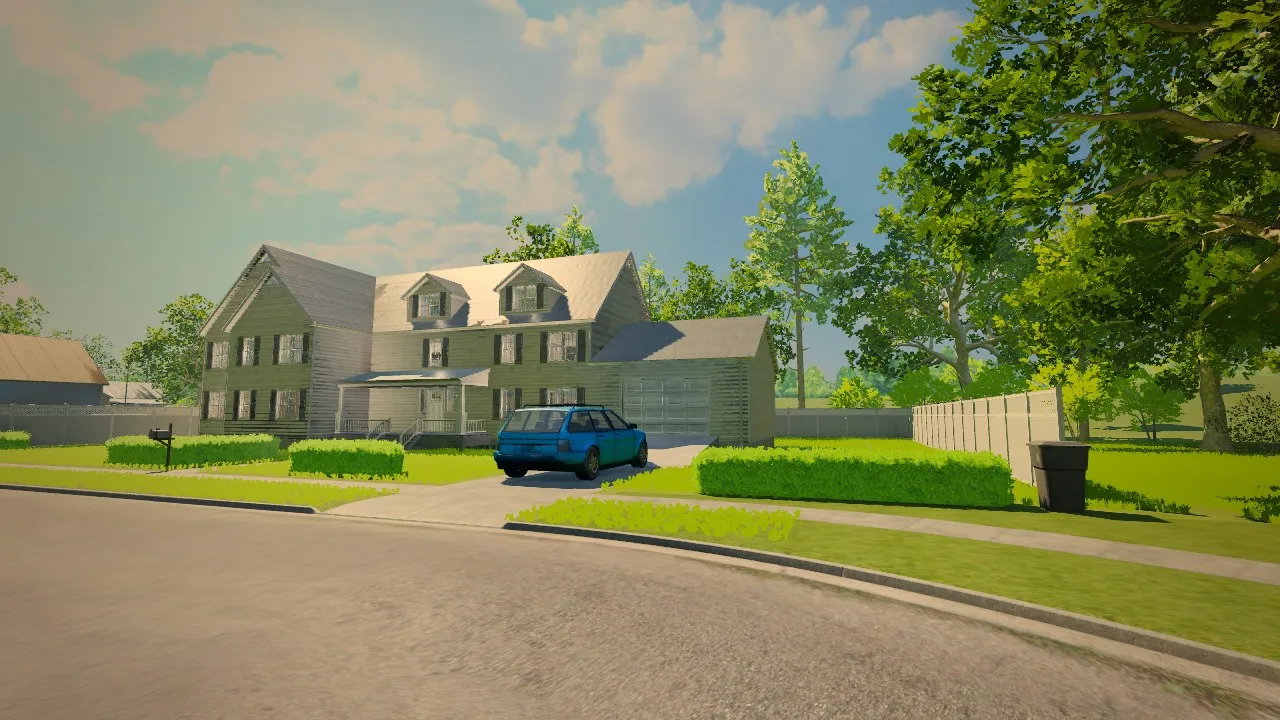
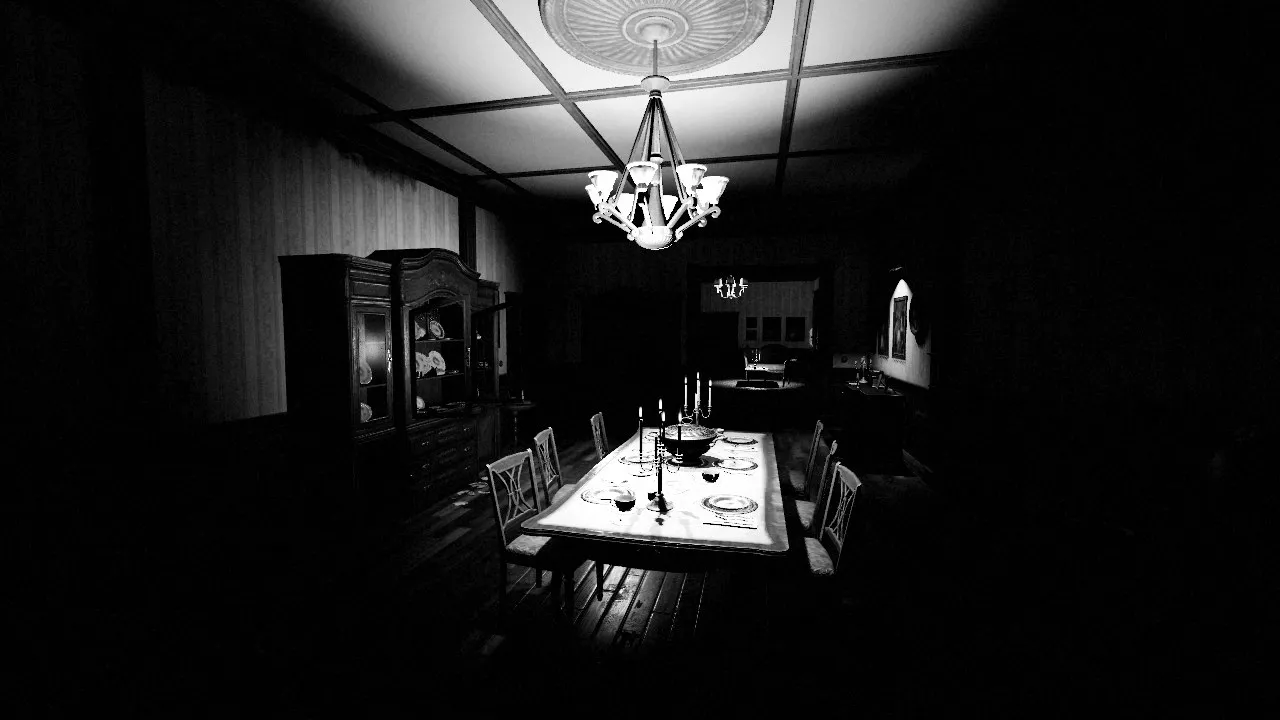
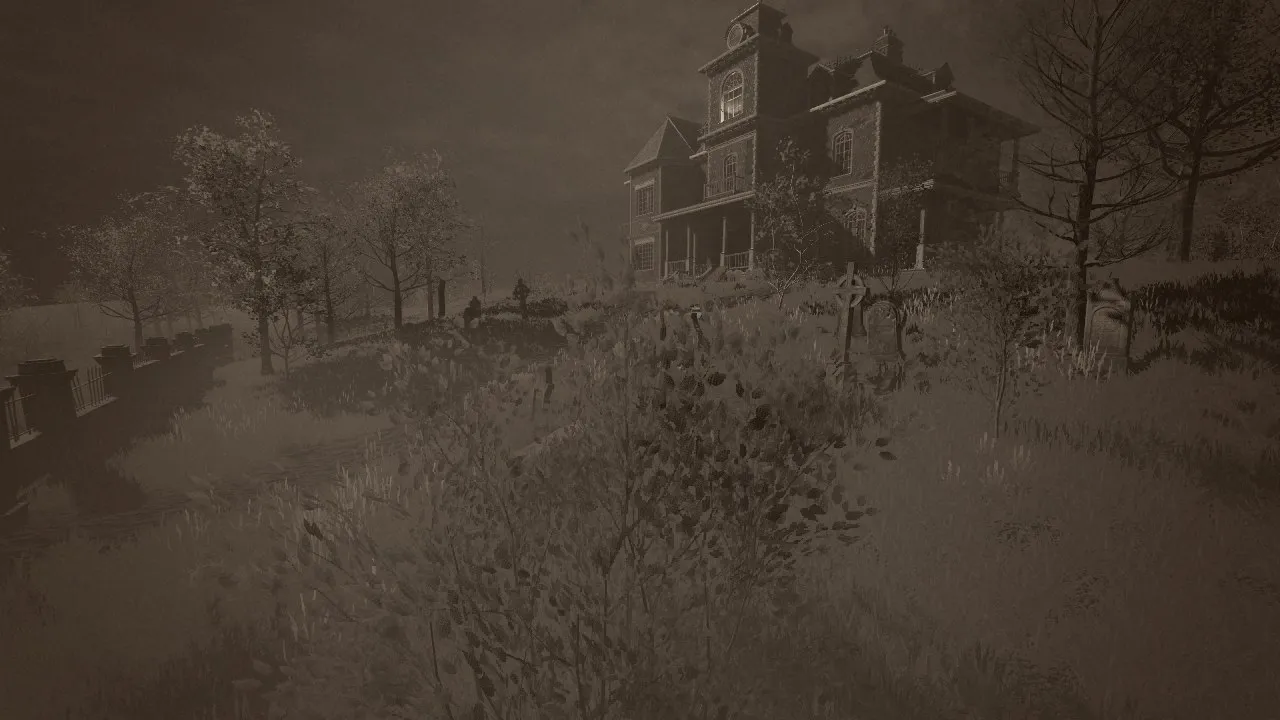
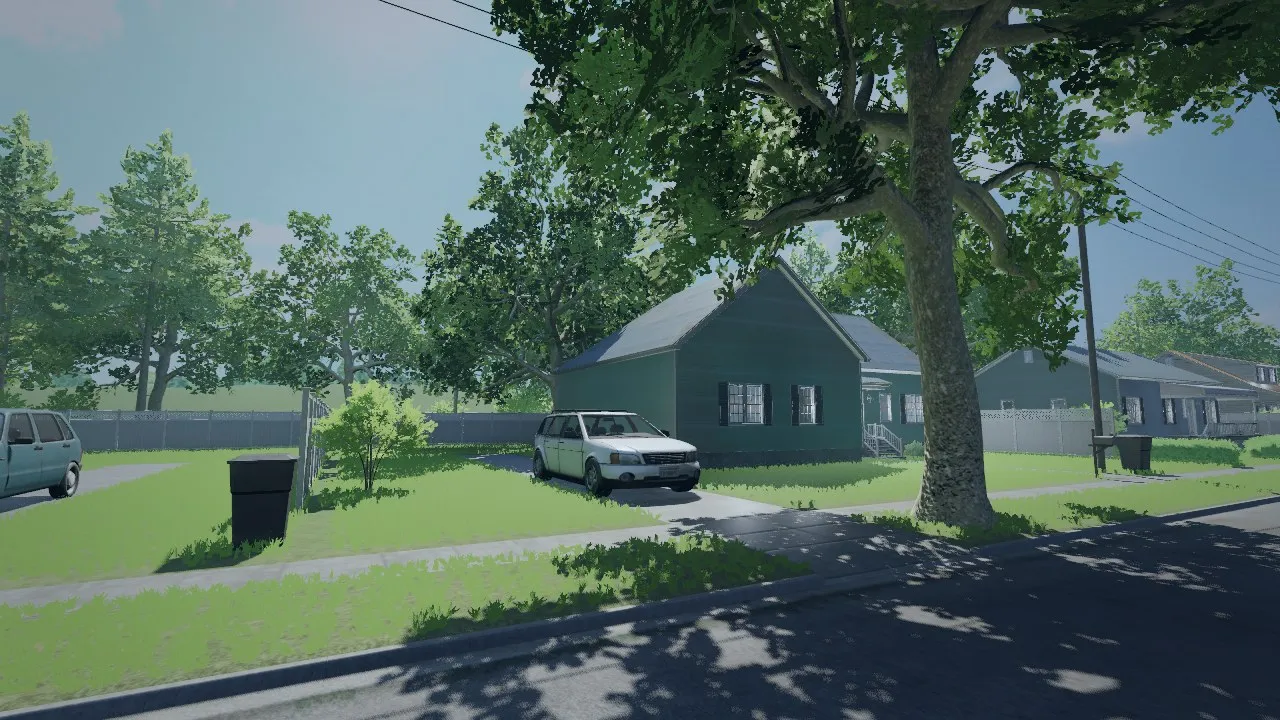
Before and after
Godot's default rendering on the left, the look on the right.

Compare
Lite, Retro and Pro
| Feature | Lite | Retro | Pro |
|---|---|---|---|
| Price | Free | $6.99 | $12.99 |
| Looks | 7 | 25 | 49 |
| Tonemap, colour grade, LUTs, vignette, grain | ✓ | ✓ | ✓ |
| Bloom | – | ✓ | ✓ |
| CRT, VHS, film and PSX | – | ✓ | ✓ |
| Layer presets | – | 41 | 62 |
| Gameplay pulses | – | 5 | 12 |
| Auto exposure, lens flares, depth of field | – | – | ✓ |
| Outlines, halftone, pixel art, painterly | – | – | ✓ |
| Heat haze, shockwaves, night and thermal vision | – | – | ✓ |
| Looks dock in the editor | – | ✓ | ✓ |
| Volumes | – | – | ✓ |
Details
Questions
- Which Godot versions does Magnum PostFX support?
- Godot 4.7 or later, for 3D scenes.
- Does it work in the Compatibility renderer and web exports?
- Lite and Retro run everything in Forward+, Mobile and Compatibility, so web exports get all of it. Pro runs everything in Forward+ and Mobile, and its core features in Compatibility: that renderer has no compositor, so effects like lens flares, outlines and depth of field are off there.
- How much does it cost on the GPU?
- At 1080p the Essentials look (auto exposure, tonemap, grade, bloom, sharpen, vignette and grain) takes 0.21 ms of GPU time, and nearly every feature on at once 0.26 ms. Features you switch off are compiled out. The Developer Guide lists the cost of every feature.
- Can I try it before buying?
- Lite is free. Lite and Retro have web demos on their itch.io pages, and the Developer Guide is a free download on every page.
- Is Magnum PostFX part of the Magnum VFX Season Pass?
- No. Each PostFX edition is sold separately, and there is no upgrade discount between editions. One purchase covers your whole team.
Need effects too? Magnum VFX has drop-in 3D VFX packs for Godot, and PostFX's Stylize module shares their styles, so a game using both gets one look.
Got an idea, a question
or a press request?
Send us a message, or email us directly.